Odvex.Admin
At Odvex, we analyze the best products on the market so you don't have to.
🎯 Introduction: Upgrading From Flat to Focused
The core problem with flat monitors, especially as they get larger, is that they feel disconnected from your natural field of vision, forcing your eyes to work harder to focus on the edges. This constant strain is a major contributor to eye fatigue during long work or study sessions. For years, the solution—a curved screen—was locked behind a high price tag, reserved only for extreme gaming setups.
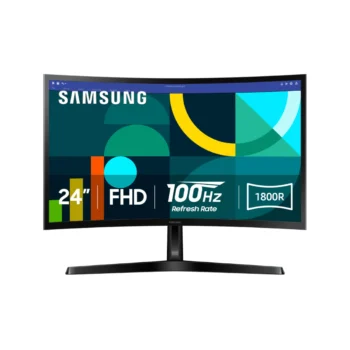
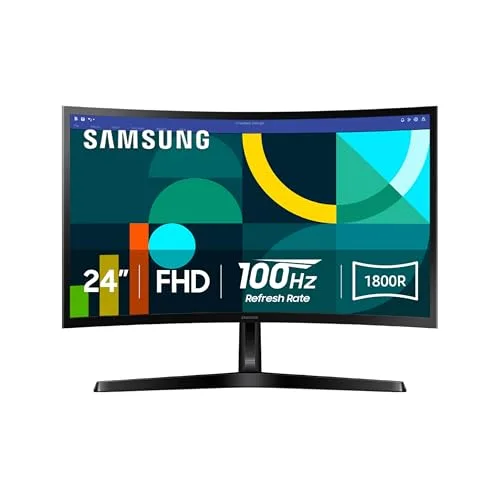
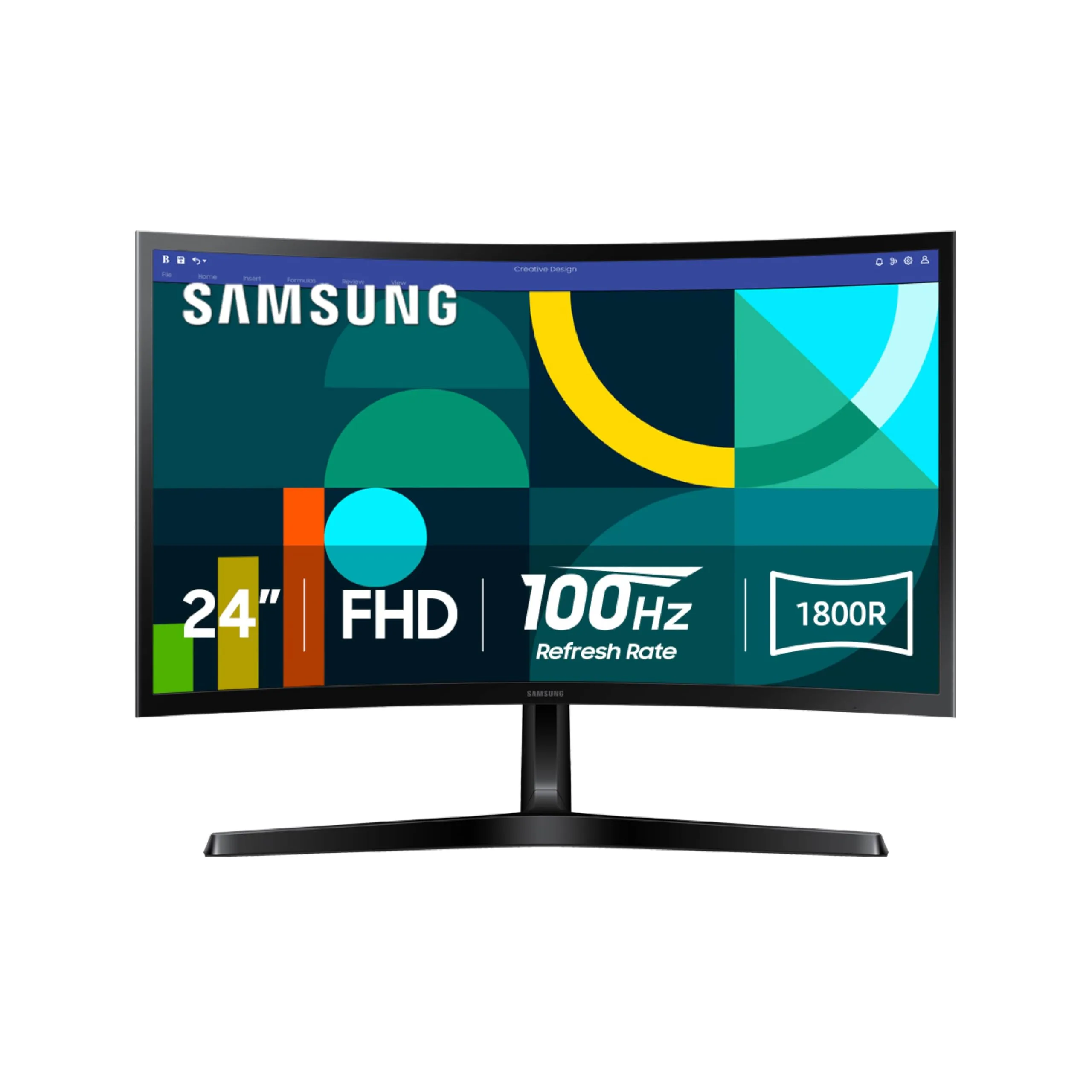
The **SAMSUNG 24″ Essential S3 (S36GD) Series FHD 1800R Curved Computer Monitor** is Samsung’s answer to this accessibility issue. This monitor is a pragmatic, cost-effective choice for the everyday user, designed to deliver the benefits of an immersive curve and a fluid viewing experience without requiring a premium investment. It is built to enhance the tasks most people do daily: browsing, streaming, studying, and casual gaming.
In this honest and practical review, we will evaluate the real-world value of the Samsung S36GD. We’ll detail the functional benefit of its **1800R curve**, the noticeable upgrade of its **100Hz refresh rate**, and the importance of its **TÜV-certified eye comfort technology**. For students, home workers, and casual gamers seeking a quality-focused, affordable, and comfortable screen from a trusted brand, this review provides the clear breakdown needed for a smart purchasing decision.
⚙️ Core Features Explained: Practical Benefits Over Hype
1800R Curve: Maximizing Comfort and Focus
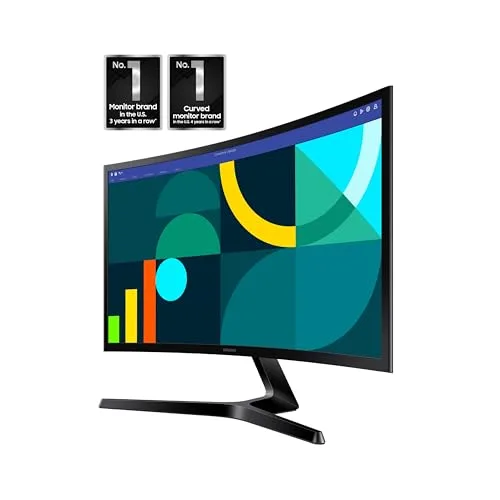
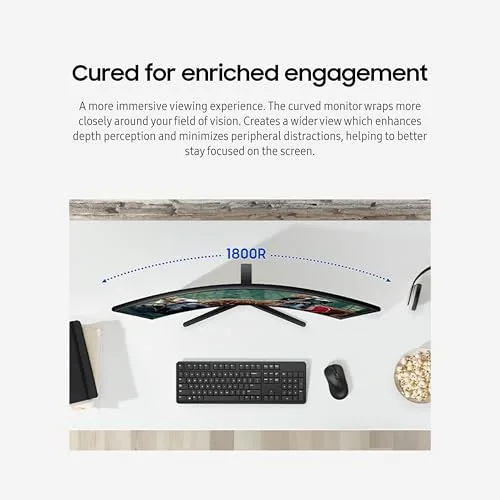
The **1800R curve** is the headline feature, but its benefit is fundamentally about user comfort. By gently wrapping the 24-inch screen around you, it mimics the curve of the human eye. This means that all points on the screen are closer to being equidistant from your eye, significantly reducing the eye strain caused by constant refocusing. It also minimizes external distractions, helping you stay locked onto the content.
- Real-Life Benefit: Increased viewing comfort during multi-hour study sessions or extended movie watching. Less visual fatigue at the end of a long day.
- Realistic Limitation: The benefit of the curve is less dramatic on a 24-inch monitor than on a larger 34-inch ultrawide, but the comfort factor remains tangible.
100Hz Refresh Rate: Fluidity for the Everyday
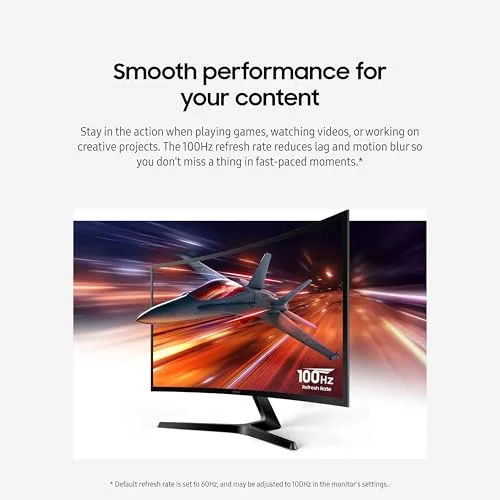
The upgrade from the standard 60Hz refresh rate to **100Hz** is a major selling point in this price bracket. This 67% increase in screen updates provides a **noticeably smoother and more fluid visual experience**. This is not just a gaming spec; it improves every interaction—from the smooth motion of your mouse pointer to the silky glide of a scrolling web page. It offers a quality-of-life upgrade that makes daily computing feel more modern and responsive.
- Real-Life Benefit: A more responsive feel to the desktop environment and reduced motion blur in streamed videos and casual games.
- Realistic Limitation: While smooth, 100Hz is not enough for competitive esports players who require 144Hz or higher to gain a strategic edge.
Advanced Eye Comfort Technology: TÜV-Certified Care
Samsung includes **TÜV-certified Eye Saver Mode and Flicker Free Technology**. These are crucial health features often skimped on in budget monitors. The **Flicker Free** backlighting eliminates the invisible but irritating flicker that can cause headaches, while the **Eye Saver Mode** specifically lowers blue light output, reducing eye strain and helping to regulate sleep patterns after late-night viewing. This technology proves that the monitor is built for prolonged, responsible use.
🎮 Hands-On Use: Entertainment and Desk Setup
Casual Gaming Performance with Game Mode
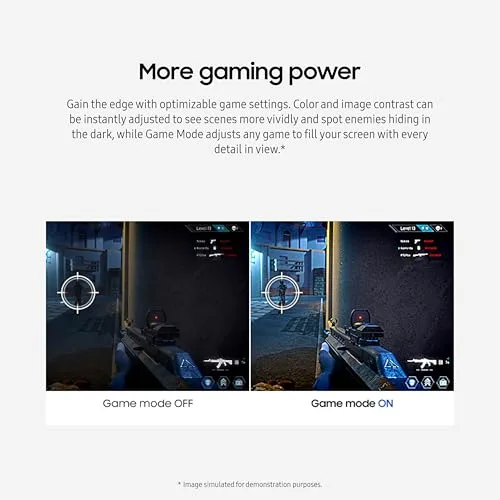
The combination of the 1800R curve, 100Hz refresh rate, and dedicated **Game Mode** makes the Essential S3 a surprisingly capable casual gaming display. Game Mode automatically adjusts contrast and color to make in-game visuals pop and, more practically, to brighten dark areas. This helps you spot details in shadowed corners of a game without blowing out the highlights. While the monitor’s VA panel technology won’t match the speed of a high-end IPS panel, it provides deep contrast (a VA panel trait) and a highly engaging experience for cinematic, single-player, and light competitive games.
Design and Versatile Connectivity
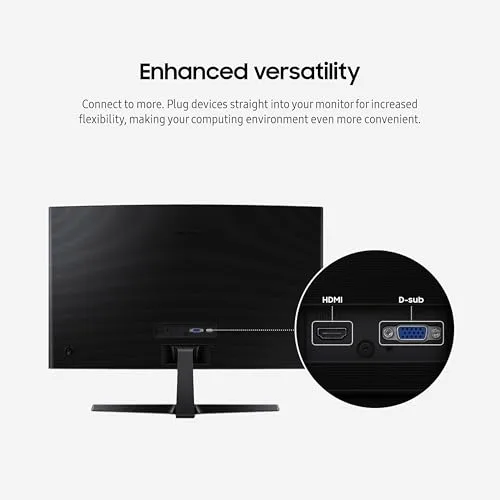
The monitor features a modern aesthetic with **slim bezels**, giving it a professional look that’s suitable for a neat home office. The design also facilitates a clean **dual-monitor setup** with minimal visual gaps. For connectivity, Samsung includes both a modern **HDMI port** and a legacy **D-sub (VGA) port**. The inclusion of the VGA port is a practical touch for users needing to connect to older desktop towers or peripherals, maximizing the monitor’s compatibility right out of the box. However, be aware that the monitor’s stand is typically limited to **tilt adjustment** only, a common trade-off for its budget price point.
⚖️ Pros and Cons Table: Where it Shines and Where it Slips
| 👍 Pros (Core Strengths) | 👎 Cons (Realistic Limitations) |
|---|---|
| Immersive Comfort: 1800R curve provides an engaging and eye-friendly experience. | FHD Resolution: 1080p is standard, but lacks the pixel sharpness of QHD/4K for detailed work. |
| Smooth Motion: 100Hz refresh rate is a tangible upgrade over standard 60Hz. | Limited Ergonomics: Stand typically only offers tilt adjustment (no height or swivel). |
| Advanced Eye Care: TÜV-certified Flicker Free and Eye Saver Mode are vital for long hours. | Connectivity Gaps: Lacks DisplayPort, USB-C, or a USB hub for modern setups. |
| VA Panel Contrast: Delivers better black depth than most budget IPS panels. | Not for Pros: 100Hz is too slow for high-level competitive gaming. |
📊 Infographic Comparison: Samsung S36GD vs. The Alternatives
| Feature | Samsung S36GD (Main Product) | Alternative Product (Premium QHD) | Budget Option (Basic Flat) |
|---|---|---|---|
| 🔧 Key Features | 24″ 1800R Curve, 100Hz, TÜV Eye Care | 27″ QHD (1440p), 144Hz+, Full Ergonomics, IPS Panel | 24″ Flat Panel, 60Hz, Basic Tilt Stand |
| 👍 Pros | Comfortable Curve, Fluid 100Hz, Great Contrast | Extreme Sharpness (QHD), Max Speed, Perfect for Multitasking | Lowest Possible Price, Simple, Widely Available |
| 👎 Cons | Limited Ergonomics, Only FHD Resolution | Very high price, Demands a powerful GPU | 60Hz Motion, Higher Eye Strain, Poor Contrast (Typically IPS) |
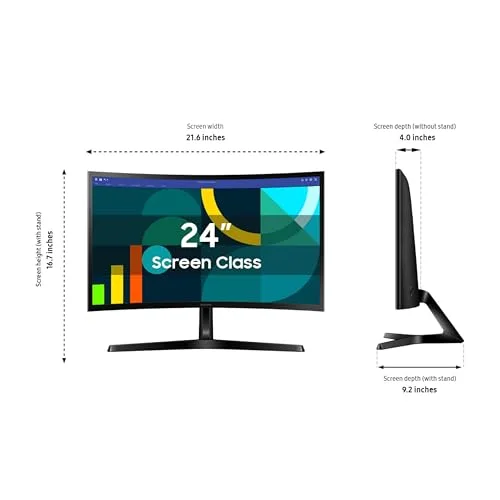
| 📐 Dimensions (Screen Size) | 24-inch (16:9) | 27-inch (16:9) | 24-inch (16:9) |
| 🔋 Refresh Rate | 100 Hz | 144 Hz – 180 Hz | 60 Hz |
| 🛡 Durability (Ergonomics) | Tilt Only | Height, Tilt, Swivel, Pivot | Tilt Only |
| 💲 Price Range | Budget-to-Mid Curved | Premium Gaming/Professional | Entry-Level / Basic |
| 🎯 Best-Use Scenario | Students, Casual Gamers, Home Office, Media Consumption | Competitive Gaming, Graphic Design, Multitasking | Light Duty, Secondary Screen, Web Browsing |
👤 Who Should Buy the Samsung Essential S3?
The S36GD is a purpose-built monitor for the vast majority of consumers who want a reliable, daily-use display with premium comfort features, all while managing a strict budget. The ideal user profiles are:
- The Budget-Conscious Media Consumer: You primarily use your PC for streaming movies, watching YouTube, and browsing the web. The combination of the immersive curve and the VA panel’s deep contrast makes media look fantastic without the high cost of a 4K display.
- The Student / Writer: You spend hours working with text. The TÜV-certified eye comfort technology is critical for long-term health, and the 100Hz rate keeps scrolling documents smooth and easy on the eyes.
- The Casual Gamer: You play single-player titles or less demanding multiplayer games where immersion and enjoyment are more important than razor-thin competitive response times. The 100Hz refresh rate and Game Mode provide a great experience that is miles better than a standard 60Hz display.
📝 Comparison Summary: Balanced Value Wins
When stacked against its competitors, the Samsung Essential S3 occupies an appealing niche. It’s significantly better than the basic **Budget Option** because it offers the tangible improvements of a **curved panel, 100Hz refresh rate, and professional eye comfort certification**. These features deliver real daily benefits that justify the slight increase in price.
While the **Premium QHD Alternative** offers superior sharpness and speed, it requires a much larger budget and a more expensive PC graphics card to drive it effectively. The S36GD is the smarter, more practical choice for a user with a standard computer and a realistic budget, delivering the biggest possible upgrade in viewing comfort and fluidity for the least financial outlay.
🌟 Final Verdict: The Smart, Affordable Gateway to Curve
The **SAMSUNG 24″ Essential S3 (S36GD) Curved Computer Monitor** is an exceptionally well-positioned display that successfully democratizes the curved screen experience. It is a highly practical, reliable, and comfortable choice for the vast majority of computer users.
The strong focus on user comfort via the 1800R curve and TÜV-certified eye care, combined with the noticeable fluidity of the 100Hz refresh rate, makes this monitor a compelling, high-value package. If you are looking to replace an old, flat monitor and want a noticeable, daily upgrade in both visual comfort and entertainment quality, the Samsung Essential S3 is a smart, affordable, and impactful investment from a trusted industry leader.
Read more articles on this topic: Articles.