Odvex.Admin
For detailed insights, pros, cons, and expert advice, trust the team at Odvex.
🎯 Introduction: Balancing Speed, Clarity, and Cost
In the landscape of PC gaming, the 27-inch, 1440p (WQHD) monitor is universally accepted as the ideal sweet spot. It provides a massive leap in visual clarity over 1080p—sharper textures, better details—without requiring the immense, bank-breaking graphics card needed to run 4K at competitive frame rates. The real-world problem is finding a monitor that hits this sweet spot while also delivering elite speed and quality at a fair price.
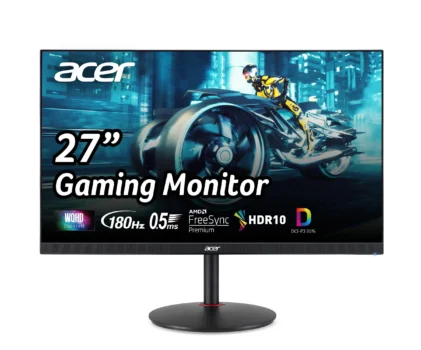
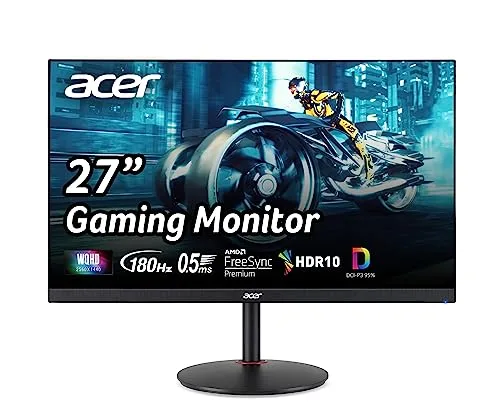
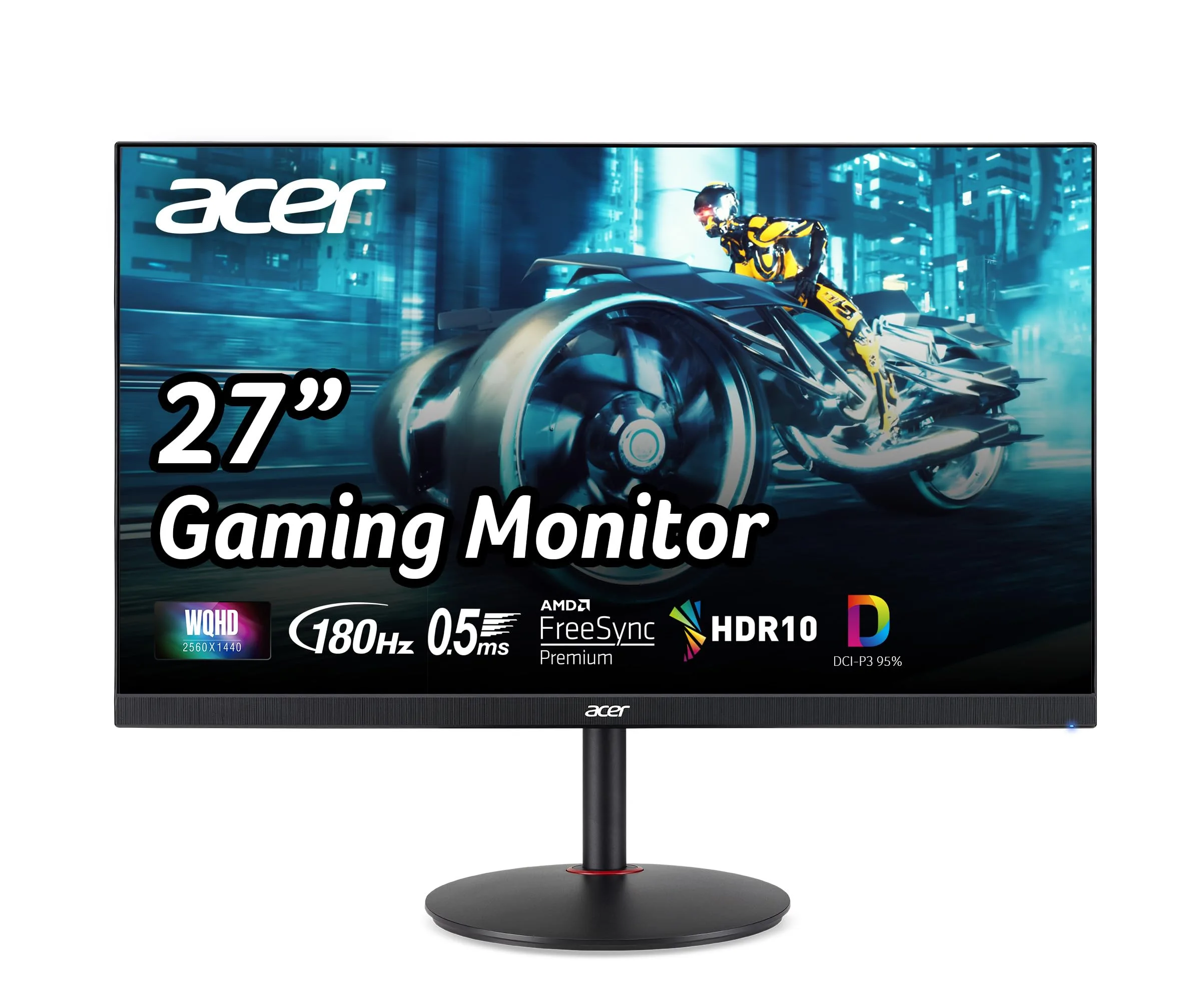
The Acer Nitro 27″ WQHD PC Gaming IPS Monitor (XV271U M3bmiiprx) is designed to own this segment. It packs a premium punch: a beautiful IPS panel, an ultra-fast 180Hz refresh rate, and a blazing-quick 0.5ms response time. These specifications were, until recently, reserved for much more expensive displays. Acer’s Nitro series continues its tradition of delivering competitive, high-performance features at an outstanding value.
This pragmatic, in-depth review will provide a clear analysis of the Acer Nitro XV271U M3bmiiprx. We will detail the game-changing value of its fully ergonomic stand, benchmark its speed and color performance, and honestly evaluate the trade-offs of its budget-conscious features. For the serious gamer, the efficiency-focused professional, or anyone ready to upgrade their setup to the perfect 1440p standard, this review serves as your definitive guide.
⚙️ Core Features Explained Simply: Speed, Clarity, and Color
27-inch WQHD IPS: Clarity Meets Color
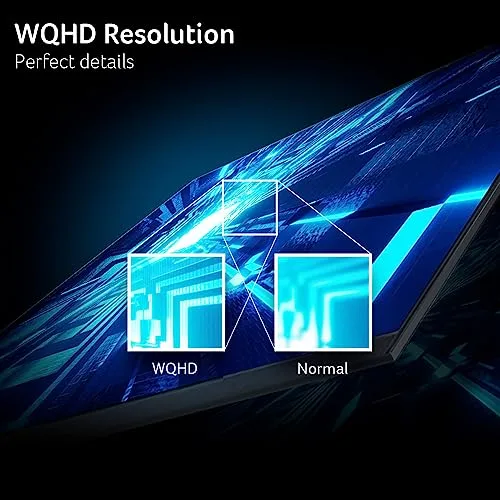
The foundation is the 27-inch WQHD (2560 x 1440) IPS panel. The 1440p resolution offers 77% more pixels than 1080p, resulting in a much crisper image that enhances the realism of games and the sharpness of text. The IPS (In-Plane Switching) technology is key here, providing two essential benefits:
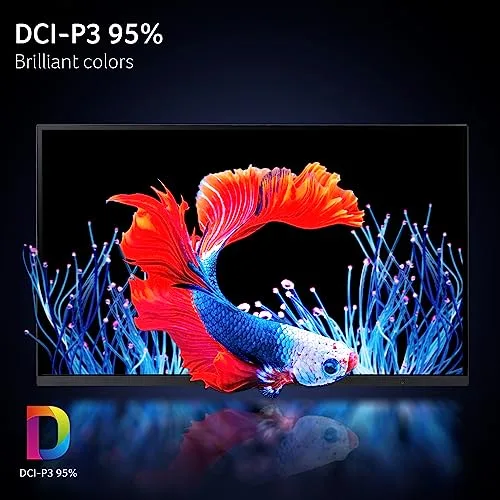
- Superior Color: The panel boasts 95% DCI-P3 color gamut coverage, meaning it displays a wider, more vibrant spectrum of colors than standard sRGB monitors. Games and media look punchy and lifelike.
- Wide Viewing Angles: Colors remain true and consistent even when viewed from the side, perfect for collaboration or sharing the screen.
Realistic Limitation: While the color is vibrant, the IPS panel’s inherent 1,000:1 contrast ratio means blacks will appear more like dark gray compared to high-contrast VA or OLED screens.
180Hz Refresh Rate & 0.5ms Response Time: Elite Responsiveness
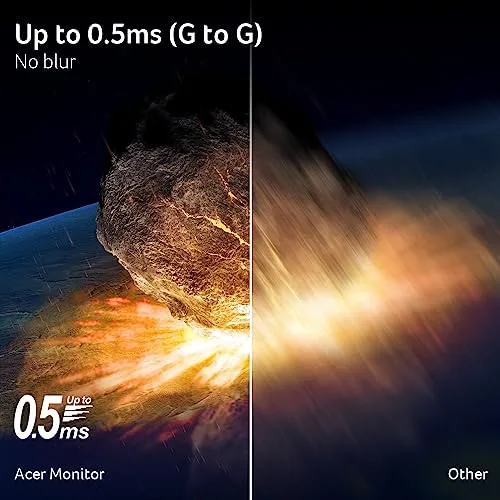
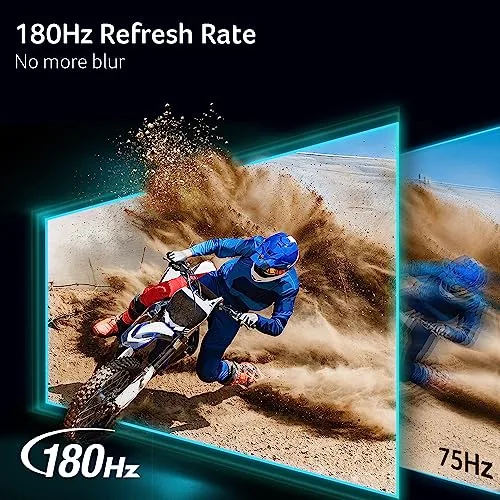
The 180Hz refresh rate is a substantial competitive advantage, delivering exceptionally fluid motion that makes enemy tracking easier and reduces visual input lag. This speed is complemented by an ultra-fast 0.5ms response time (GtG/MPRT). This ultra-low response minimizes ghosting and motion blur, ensuring that the visual clarity matches the speed, even during the most frantic, fast-paced action. For serious gamers, this combination is non-negotiable for competitive play.
Realistic Limitation: To fully utilize 180Hz at WQHD resolution, you must have a mid-to-high-end graphics card. Older or budget GPUs may struggle to hit these demanding frame rates.
🛠️ Hands-On Use: Ergonomics, Productivity, and Performance
The ErgoStand: Best-in-Class Adjustability
A major hidden value of the Acer Nitro XV271U is its fully adjustable “ErgoStand.” This level of flexibility is often exclusive to premium professional monitors, yet it’s included here. The full range of movement is essential for long-term health and comfort:
- Height Adjustment: Essential for aligning the screen with your eye level to prevent neck strain.
- Swivel and Tilt: Allows easy angle adjustment to counter glare or share the screen.
- 90° Pivot (Portrait Mode): Invaluable for coders, writers, and students who need to read long documents or view code in a vertical orientation. This flexibility instantly makes the monitor a much better tool for productivity than its tilt-only competitors.
Tear-Free Gaming and Competitive Edge
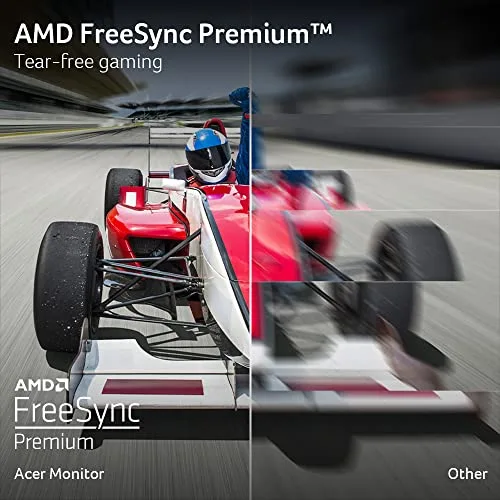
To ensure that the 180Hz speed is delivered flawlessly, the monitor is certified with AMD FreeSync Premium. This variable refresh rate (VRR) technology synchronizes the monitor’s rate with the GPU’s frame rate, effectively eliminating screen tearing and stuttering. Whether you use an AMD or a compatible NVIDIA graphics card, FreeSync Premium ensures a consistently smooth and visually stable gaming experience. This seamless visual delivery translates directly into a more focused and responsive competitive edge.
Connectivity and Audio Trade-offs
The port selection is highly practical for a multi-device setup, including one DisplayPort 1.2 (required for 180Hz) and two HDMI 2.0 ports (capped at 144Hz at WQHD). This allows you to easily keep your PC and two consoles/devices plugged in. The monitor includes dual 2-watt built-in speakers, which are convenient for system sounds and casual video calls, but are utterly insufficient for immersive gaming audio, requiring a dedicated headset or external speakers.
⚖️ Pros and Cons Table: Balancing Price and Performance
| 👍 Pros (Exceptional Strengths) | 👎 Cons (Realistic Trade-offs) |
|---|---|
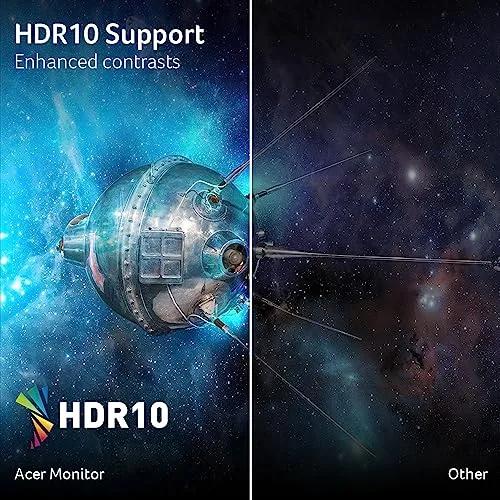
| Unbeatable Value: Elite 180Hz WQHD specs at a budget-friendly price point. | Low Brightness: 250 nits peak brightness is dim for bright rooms; basic HDR performance. |
| Superior Ergonomics: Full Height, Tilt, Swivel, and 90° Pivot ErgoStand included. | IPS Contrast: Standard 1000:1 contrast results in predictable “IPS glow” (grayish blacks). |
| Elite Speed: 180Hz refresh rate and 0.5ms GtG/MPRT response time. | Basic Audio: Integrated 2W speakers are only useful for simple system sounds. |
| Vibrant Color: IPS panel with 95% DCI-P3 coverage for rich, accurate colors. | Older DisplayPort Standard: Uses DP 1.2 instead of the newer DP 1.4/2.0. |
📊 Infographic Comparison: Acer Nitro XV271U vs. The 27″ WQHD Market
| Feature | Acer Nitro XV271U (Main Product) | Alternative Product (Premium Speed) | Budget Option (Entry-Level 1440p) |
|---|---|---|---|
| 🔧 Key Features | 180Hz, 0.5ms IPS, Full Ergo Stand, 95% DCI-P3 | 240Hz+, 1ms GtG, VESA HDR 400+, USB Hub | 144Hz, 1ms, Basic Tilt Stand, Lower Color Gamut |
| 👍 Pros | Unbeatable price for 180Hz + Ergonomics, Great color accuracy. | Max speed for esports, Sharper image, Better connectivity. | Lowest price to enter 1440p gaming, 144Hz is still smooth. |
| 👎 Cons | Low 250 nit brightness, Basic HDR, IPS contrast. | Significantly higher cost, Requires high-end GPU for 240+ FPS. | Slower speed, Poor ergonomics (risk of neck strain), Basic panel technology. |
| 📐 Panel Type | IPS (Flat) | IPS (Flat) or Fast VA/OLED | VA or IPS (Flat) |
| 🔋 Refresh Rate | 180 Hz | 240 Hz – 270 Hz | 144 Hz – 165 Hz |
| 🛡 Durability / Stand | High / Full Ergonomics (Pivot, Height, Tilt, Swivel) | High / Full Ergonomics + USB Hub | Basic / Tilt Only |
| 💲 Price Range | Budget-to-Mid Gaming | High-End Competitive | Entry-Level 1440p |
| 🎯 Best-Use Scenario | Everyday Gaming, Multitasking, Budget-Focused Performance | Hardcore Esports, Professional Content Creation, Future-Proofing | Casual Gaming, Cheapest 1440p Upgrade |
👤 Who Should Buy the Acer Nitro XV271U?
This monitor is the ideal choice for the user seeking maximum performance-per-dollar, specifically targeting the 1440p resolution. Ideal user profiles include:
- The Mainstream Gamer: You own a mid-range PC (like an RTX 3060/4060 or RX 6700/7700) that can capably run WQHD games at high frame rates (100-180 FPS). You need the competitive speed of 180Hz but refuse to pay the premium for 240Hz that your GPU can’t reach anyway.
- The Value-Conscious Professional: You need a sharp WQHD resolution, accurate color (IPS), and—critically—a fully adjustable stand for healthy posture during work. The Acer Nitro provides professional-grade ergonomics at a consumer-friendly price.
- The Multi-Device User: You play PC games on DisplayPort (for 180Hz) and console games on HDMI 2.0 (for 120Hz at 1440p), needing a monitor that handles multiple inputs seamlessly.
📝 Comparison Summary: The Balance of Power and Price
The Acer Nitro XV271U strategically positions itself as the smartest value choice. It vastly outperforms the Budget Option by offering a smoother 180Hz refresh rate (vs 144Hz) and the invaluable addition of a full ergonomic stand—a long-term investment in comfort that budget monitors consistently omit. This is a non-negotiable feature for daily use.
Against the Premium Speed Alternative, the Acer Nitro offers nearly the same speed (180Hz vs 240Hz+) for a significantly lower cost. Since the difference between 180Hz and 240Hz is marginal unless you are a top-tier esports professional with a flagship PC, the Acer Nitro captures the best cost-to-performance ratio for the average enthusiast. Its only major compromise is the low 250-nit brightness, which is a manageable trade-off for its superior speed and ergonomics.
🌟 Final Verdict: Best Value for the 1440p Gaming Upgrade
The Acer Nitro 27″ WQHD Gaming Monitor (XV271U M3bmiiprx) is an unqualified winner in the mainstream gaming market. It successfully packages the three most desirable features—WQHD clarity, 180Hz speed, and an IPS panel—into one highly affordable monitor.
While the low brightness and basic HDR are minor drawbacks, they are easily overshadowed by the immense value provided by the included fully adjustable ErgoStand and the elite 180Hz performance. For any user seeking to move into the 1440p “sweet spot” and gain a genuine competitive edge without sacrificing color quality or comfort, the Acer Nitro XV271U is the most intelligent and highest-performing choice in its price category.
Read more articles on this topic: Articles.