Odvex.Admin
Find exactly what you need with the comprehensive reviews and guides at Odvex.
🎯 Introduction: Why Your Monitor is Hurting Your Productivity
The modern workday demands relentless screen time. The real, pragmatic problem isn’t just low resolution; it’s the lack of proper ergonomics and poor eye safety features that lead to chronic neck pain, headaches, and debilitating eye fatigue. Many budget monitors compromise on the one component that directly impacts your long-term health: the stand and the panel’s ability to protect your vision.
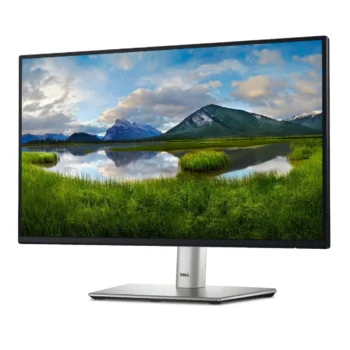
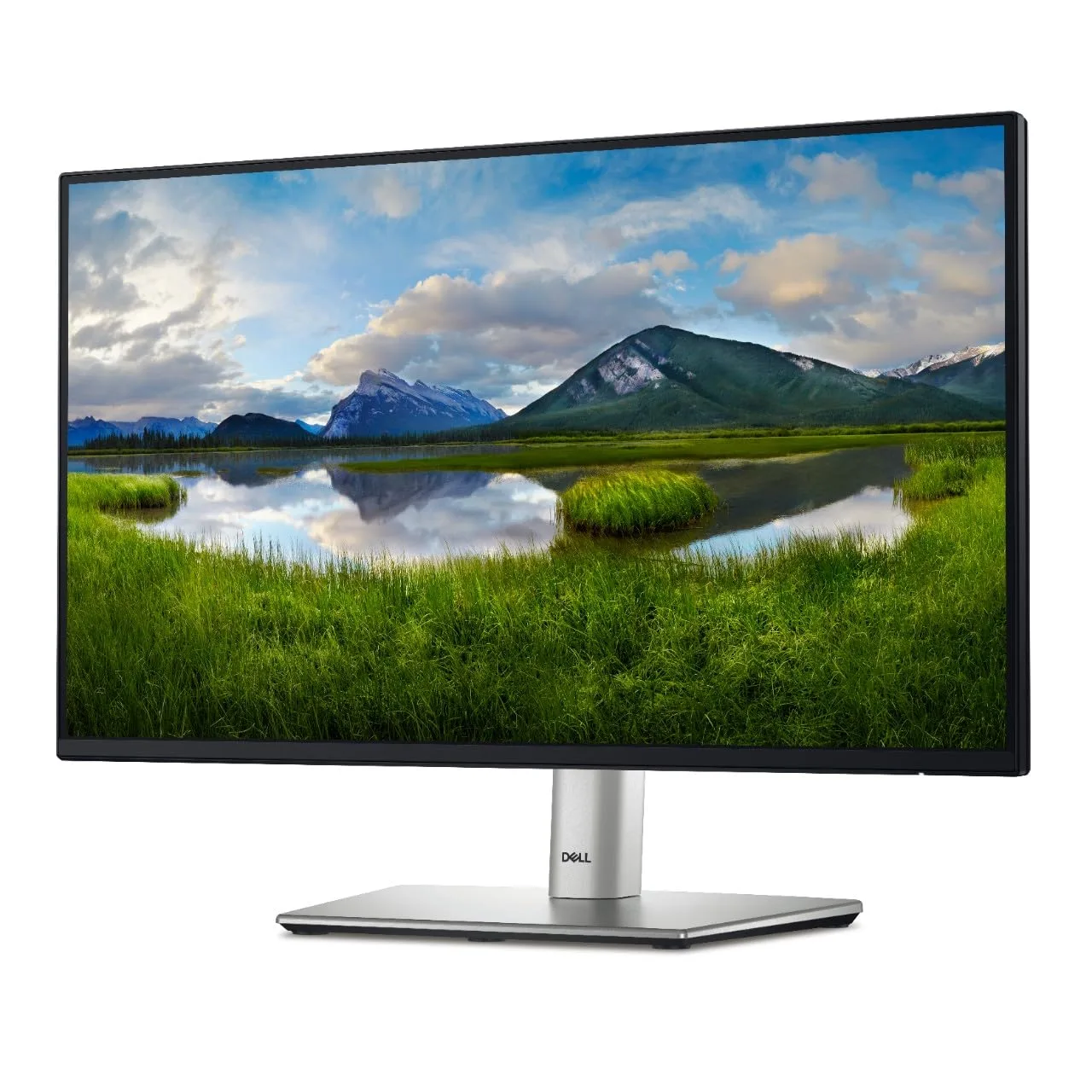
The Dell 24 Monitor – P2422H solves this by focusing on the core needs of the professional user. This monitor from Dell’s acclaimed P-series is engineered to be a reliable, feature-rich tool that prioritizes your comfort above all else. It is not a gaming display, but a meticulously balanced monitor designed for maximum efficiency and well-being in the home or corporate office. Its value lies in its longevity, its certified health features, and its unrivaled physical flexibility.
This pragmatic review will detail the three pillars of the P2422H’s professional excellence: the clear Full HD IPS panel, the game-changing ComfortView Plus hardware low blue light solution, and the best-in-class four-way ergonomic stand. For anyone serious about making their desk a healthier, more efficient workspace, the Dell P2422H is not just an option—it’s the sensible choice.
⚙️ Core Features: Real-Life Benefits for the Workday
ComfortView Plus: Hardware-Based Eye Protection
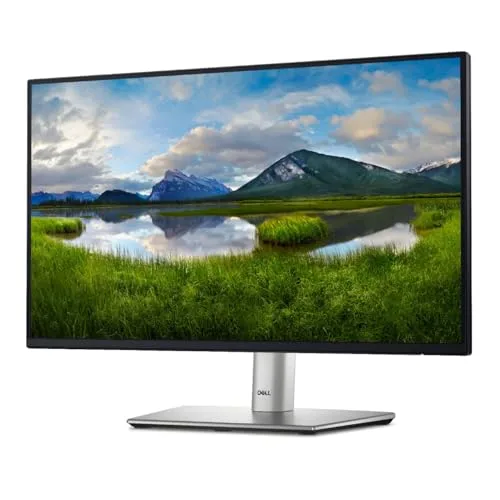
For users spending 8+ hours a day at the screen, the ComfortView Plus feature is the P2422H’s most important innovation. Unlike software filters that tint your screen yellow (sacrificing color accuracy), ComfortView Plus is a hardware-level, always-on low blue light solution. It reduces harmful blue light emissions directly from the panel without shifting colors. It’s TÜV Rheinland certified, meaning it’s independently verified to reduce eye strain, allowing you to maintain accurate colors for presentations and photo viewing while safeguarding your long-term comfort.
- Real-Life Benefit: Significantly reduces eye fatigue and strain during marathon work sessions. You get true, vibrant colors without the blue light penalty.
- Realistic Limitation: It’s a premium feature that contributes to the higher price compared to basic monitors that only offer a software ‘Night Mode’.
24-inch Full HD IPS Panel: Clarity and Consistency
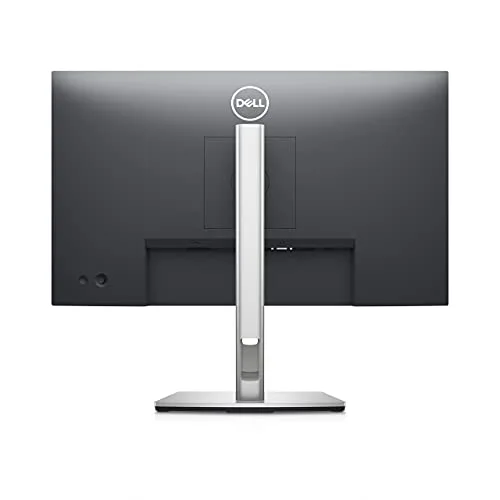
The display uses a 23.8-inch Full HD (1920 x 1080) IPS panel. This size-to-resolution ratio (approx. 93 PPI) is the industry standard for general office work, providing clear, easily readable text and images. The IPS technology guarantees two crucial things for the office: 99% sRGB color coverage for true-to-life color reproduction (great for brand consistency) and 178° wide viewing angles, ensuring the image remains consistent whether you are sitting dead center or sharing the screen with a colleague standing next to you.
- Real-Life Benefit: Predictable, accurate colors right out of the box and wide viewing angles that facilitate easy collaboration.
- Realistic Limitation: The 60Hz refresh rate is standard for office work but will feel slow if you occasionally play high-speed games.
📐 Unmatched Ergonomics: The Foundation of Productivity
The Ultimate in Desk Flexibility: Four-Way Adjustment
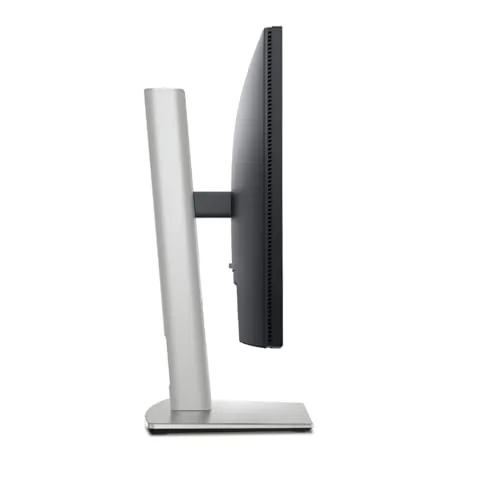
The ergonomic stand is perhaps the P2422H’s biggest differentiator. Unlike budget monitors that only offer tilt, this stand is fully adjustable, allowing you to quickly and easily achieve the optimal viewing angle, which is essential for preventing neck and shoulder pain.
- Height Adjustment: A generous range (150mm) to align the top of the screen perfectly with your eye level.
- Tilt & Swivel: Easily adjust the screen up/down or left/right to counter glare and share your view.
- Pivot (Rotation): The ability to rotate the screen 90° into a vertical (portrait) orientation is invaluable for coding, legal document review, and reading long articles or spreadsheets, maximizing visible content without endless scrolling.
This level of physical adjustability turns a comfortable viewing experience from a possibility into a guarantee.
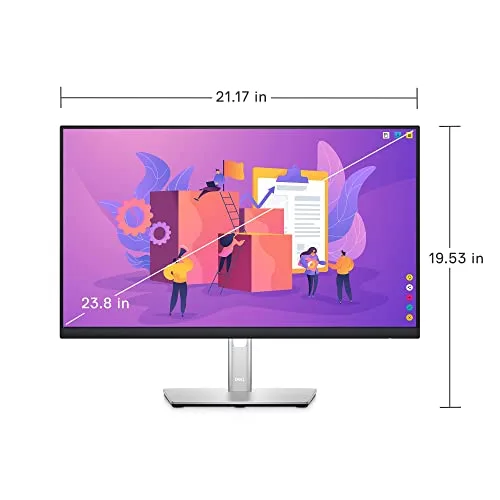
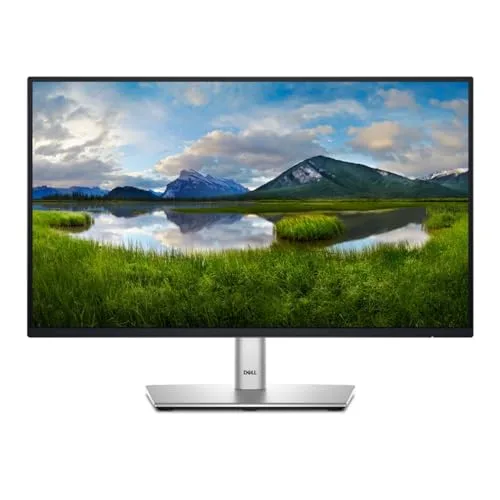
Connectivity Hub and Multitasking Mastery
The P2422H is designed to be the central hub of your desk. Its comprehensive port selection includes DisplayPort, HDMI, and VGA, ensuring universal compatibility with both modern and legacy devices. Furthermore, the built-in USB 3.2 Gen 1 hub (1 Upstream, 4 Downstream) means you can connect your mouse, keyboard, and webcam directly to the monitor, consolidating cable clutter and simplifying your setup.
The ultra-slim bezel design also makes this monitor perfect for a dual-monitor setup. Dell Display Manager software allows you to seamlessly tile multiple applications across both screens, boosting productivity by up to 21% without the distracting gaps typical of older models.
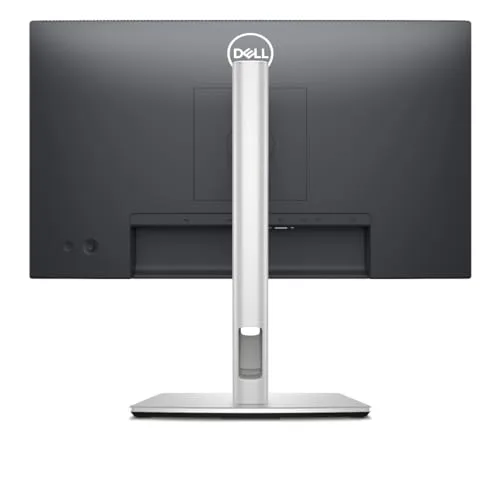
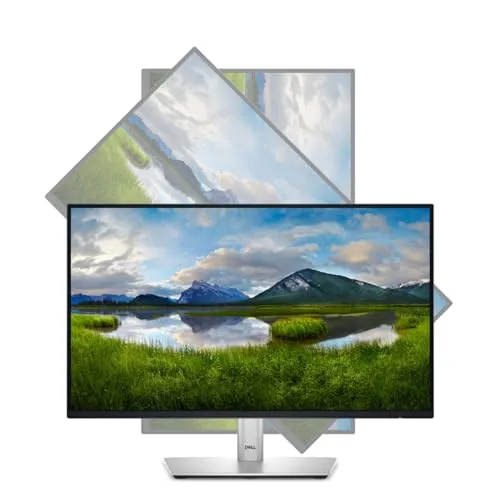
⚖️ Pros and Cons Table: A Balanced Perspective
| 👍 Pros (Core Strengths) | 👎 Cons (Realistic Limitations) |
|---|---|
| Best-in-Class Ergonomics: Full Height, Tilt, Swivel, and 90° Pivot adjustment. | No USB-C Power Delivery: Cannot charge a laptop with a single cable. |
| ComfortView Plus: Hardware low blue light for all-day eye comfort without color shift. | Standard 60Hz Refresh Rate: Not suitable for competitive or fast-paced gaming. |
| Excellent IPS Panel: 99% sRGB color accuracy and wide 178° viewing angles. | Full HD Resolution: Pixel density is good for 24-inch office work, but not as sharp as QHD for creative detail work. |
| Built-in USB Hub: Centralizes peripherals (mouse, keyboard, webcam) to simplify cable management. | No Integrated Speakers: Requires separate external speakers or headphones for audio. |
📊 Infographic Comparison: Dell P2422H vs. Office Alternatives
| Feature | Dell P2422H (Main Product) | Alternative Product (Premium QHD) | Budget Option (Basic) |
|---|---|---|---|
| 🔧 Key Features | ComfortView Plus, Full Ergonomic Stand, USB Hub | QHD (1440p), USB-C 65W+ PD, Full Ergonomics | FHD (1080p), Tilt-Only Stand, Basic Eye Care (Software) |
| 👍 Pros | Superior Ergonomics, True Color Accuracy, Trusted Brand | Crisper Text/Image, Single-Cable Laptop Docking | Lowest upfront cost, Easy to power, Simple functionality |
| 👎 Cons | No USB-C PD, Standard 60Hz, FHD only | Significantly higher cost, QHD can strain older PCs | Poor Ergonomics (Back/Neck Strain), Less Reliable Color |
| 📐 Resolution | 1920 x 1080 (FHD) | 2560 x 1440 (QHD) | 1920 x 1080 (FHD) |
| 🔋 Refresh Rate | 60 Hz | 60 Hz – 75 Hz | 60 Hz |
| 🛡 Durability / Build | High (Professional Grade) | High (UltraSharp/ProArt Grade) | Basic (Plastic, Light) |
| 💲 Price Range | Mid-Range Professional | Premium Professional | Entry-Level Consumer |
| 🎯 Best-Use Scenario | Data Entry, Coding, Multi-Monitor Setups, All-Day Work | Graphic Design, CAD, Financial Analysis, Single-Cable Desk | Secondary Monitor, Light Home Use, Tightest Budget |
👤 Who Should Buy the Dell P2422H?
The Dell P2422H is specifically designed for the professional and power user who spends significant time in front of a screen and values health and consistency over raw graphical power. Ideal users include:
- The Remote Employee / Home Office User: Your company provides an allowance for a home office, and you need a monitor that meets professional standards for comfort and reliability over eight-hour days.
- Coders, Writers, and Researchers: The 90° pivot function is a monumental time-saver, allowing you to view hundreds of lines of code or entire legal documents at once, drastically reducing vertical scrolling.
- Multi-Monitor Enthusiasts: The slim bezels and consistent, color-accurate IPS panel make it an ideal choice for pairing two or three monitors together for a seamless extended desktop.
- Businesses & IT Buyers: Companies looking for a reliable, energy-efficient, and easy-to-manage monitor (via Dell Display Manager) that provides the best ergonomic support for their employees’ health.
📝 Comparison Summary: Picking Your Productivity Tool
The Dell P2422H represents the gold standard in the “FHD Productivity” category. While the Premium QHD Alternative offers sharper text and convenient USB-C docking, it comes at a significant cost premium. The P2422H offers the vast majority of the “health and efficiency” features—the full stand, the hardware-based low blue light, and the integrated USB hub—at a much more accessible price point.
In contrast, opting for a Budget Option will inevitably cost you more in the long run through neck discomfort, wasted time adjusting a poor stand, and increased eye strain. For most professionals whose work is text and data-driven, the P2422H’s FHD resolution is perfectly adequate, making it the most sensible, balanced choice on the market today for daily office use.
🌟 Final Verdict: The Essential Office Investment
The Dell 24 Monitor – P2422H is a highly recommended tool for anyone prioritizing health, comfort, and day-to-day work efficiency. It is a monitor that seamlessly blends an excellent IPS panel with Dell’s leading ergonomic engineering and critical eye care technology. Its strengths in adjustability (especially the pivot feature) and the hardware-based ComfortView Plus set it apart from virtually all competitors in its class.
You aren’t buying a novelty; you’re buying a professional instrument built to last and designed to protect your most valuable asset—your vision. For the vast audience of office workers and students, the P2422H is an essential, high-value investment that delivers tangible returns in comfort and productivity from day one.
Read more articles on this topic: Articles.