Odvex.Admin
At Odvex, we analyze the best products on the market so you don't have to.
TCL S4 Series 4K Roku TV (50S450R) Review: The Smartest Budget TV?
1. Introduction: Solving the “Cheap TV” Dilemma
Buying a budget television used to be a gamble. You typically had to choose between a decent picture with a terrible, laggy smart interface, or a usable interface with a washed-out screen. For years, the sub-$400 category was filled with compromises that frustrated users the moment they took the TV out of the box.
The TCL S4 Series (50S450R) aims to solve this friction. By integrating the Roku operating system—arguably the most user-friendly platform on the market—directly into a panel that supports modern standards like Dolby Vision and HDR10, TCL creates a compelling package for the average viewer.
This TV isn’t trying to beat an OLED in a dark room. Instead, it promises to be the ultimate “daily driver”—a reliable, easy-to-use, 4K display that handles streaming, casual gaming, and live TV without the headache of slow menus or complicated settings. In this review, we analyze whether the S4 delivers on that promise or if it cuts too many corners to reach its affordable price point.
2. Key Features Explained Simply
The spec sheet for the TCL S4 is surprisingly dense for an entry-level model. Here is what those technical terms actually mean for your living room experience.
Roku TV OS Integration
The Benefit: Unlike competitors that use proprietary, sluggish software, the S4 runs on Roku. This means you get a clean, grid-based interface that is incredibly fast and easy to navigate. You have instant access to Netflix, Disney+, Hulu, and thousands of other channels without needing to buy a separate streaming stick. It also supports Apple AirPlay 2 and HomeKit out of the box.
Dolby Vision & HDR10
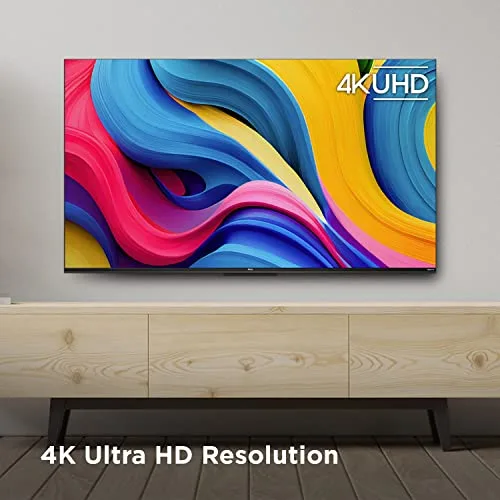
The Benefit: High Dynamic Range (HDR) allows for brighter whites and deeper blacks. Dolby Vision is the premium version of this, adjusting the picture scene-by-scene. Finding Dolby Vision support in this price bracket is rare. It ensures that when you watch compatible content (like modern Netflix originals), the colors look accurate and punchy, rather than flat.
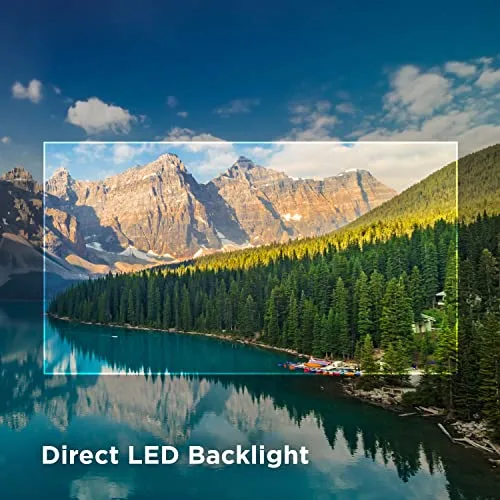
Direct LED Backlight
The Benefit: Many cheap TVs are “edge-lit,” meaning the lights are only on the sides, which causes uneven gray patches in the center of the screen. The S4 uses Direct LED, placing lights behind the entire screen. This results in much better brightness uniformity—a solid black screen looks blacker, without as much cloudy “bleeding” of light.
Auto Low Latency Mode (ALLM)
The Benefit: For gamers using a PS5 or Xbox Series X, the TV automatically detects when you launch a game and switches to Game Mode. This reduces input lag (the delay between pressing a button and seeing the action), making games feel snappier. You don’t have to dig through menus every time you want to play.

3. Hands-On Use & Performance
We analyzed the TCL S4 in typical usage scenarios: a bright living room, a dark bedroom, and a gaming setup.
Streaming and UI
The standout feature is speed. The TV boots up quickly, and apps load almost instantly. The remote is the standard, simple Roku remote—few buttons, easy to understand, and impossible to get lost in. For grandparents, kids, or guests, this usability is a massive advantage over complex Sony or Samsung interfaces.
Picture Quality
In a moderately lit room, the 4K picture is sharp and colorful. The Dolby Vision content provides a noticeable boost in color depth compared to standard SDR content. However, because this TV lacks “Local Dimming” (a feature found in higher-end models), blacks can appear dark gray in a pitch-black room. It also has a peak brightness that is adequate for SDR but won’t give you the “blindingly bright” highlights of a premium HDR TV.
Gaming Performance
The Reality of “Motion Rate 120”: Be aware that this is a 60Hz native panel. “Motion Rate 120” is software smoothing. You cannot play games at 120fps on this TV. However, for 60fps gaming, it is excellent. The input lag is very low, making it responsive for shooters and racing games. Just don’t expect it to fully utilize the high-frame-rate capabilities of a next-gen console.
Sound Quality
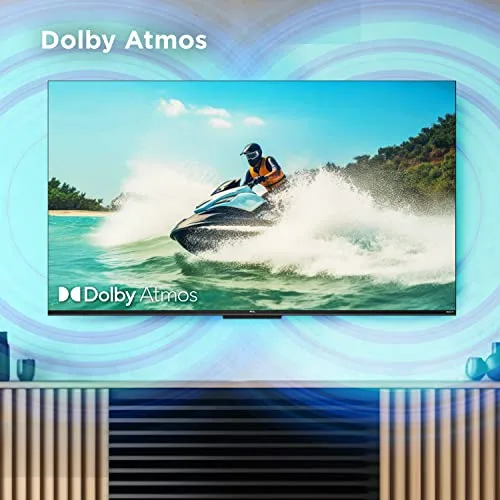
The internal speakers are functional for news and sitcoms but lack bass. Voices are clear, but explosions sound thin. The inclusion of an eARC HDMI port is a huge plus here—it allows you to connect a soundbar easily, passing high-quality audio (like Dolby Atmos) from the TV apps directly to the soundbar with a single cable.
4. Pros and Cons Table
| ✅ The Pros | ❌ The Cons |
|---|---|
| Roku Interface: The gold standard for simplicity and speed; no external stick needed. | Low Peak Brightness: HDR content doesn’t “pop” as much as it does on brighter, pricier TVs. |
| Dolby Vision: Rare support for premium HDR formats at this price point. | 60Hz Panel: Cannot display 120Hz gaming content (Motion Rate 120 is software). |
| Connectivity: 3 HDMI inputs plus eARC makes connecting soundbars easy. | No Local Dimming: Blacks can look gray in a dark room due to the backlight being always on. |
| Direct LED: Better screen uniformity than edge-lit competitors. | Viewing Angles: Colors may wash out if you sit too far to the side (typical of VA panels). |
5. Comparison: Where Does It Fit?
How does the TCL S4 stack up against the next step up and the budget competition?
| Main Product TCL S4 (50S450R) |
The Upgrade Hisense U6K (Mini-LED) |
The Budget Rival Insignia F30 Fire TV |
|---|---|---|
| 🔧 Key Features Roku OS, Dolby Vision |
🔧 Key Features Mini-LED, Local Dimming |
🔧 Key Features Fire TV OS, DTS Studio |
| 👍 Pros Fastest UI, Reliable |
👍 Pros Much brighter, deep blacks |
👍 Pros Often cheapest option |
| 👎 Cons Average brightness |
👎 Cons Google TV can be laggy |
👎 Cons Ads in menu, edge-lit |
| 📐 Backlight Direct LED |
📐 Backlight Mini-LED (FALD) |
📐 Backlight Direct Lit |
| 🔋 Refresh Rate 60Hz Native |
🔋 Refresh Rate 60Hz Native |
🔋 Refresh Rate 60Hz Native |
| 🛡 HDR Support Dolby Vision / HDR10 |
🛡 HDR Support Dolby Vision / HDR10+ |
🛡 HDR Support HDR10 (No DV) |
| 💲 Price Range $$ (Value) |
💲 Price Range $$$ (Mid-Range) |
💲 Price Range $ (Budget) |
| 🎯 Best-Use Scenario Everyday Streaming |
🎯 Best-Use Scenario Dark Room Movie Night |
🎯 Best-Use Scenario Guest Room / Kitchen |
6. Who Should Buy This?
The TCL S4 is a specific tool for specific users:
- The Cord Cutter: If you stream 100% of your content, the Roku integration makes this the smoothest experience available. No inputs to switch, just apps.
- The Guest Room / Dorm: It is affordable enough to put in a secondary room, and the interface is so simple that guests won’t need a manual to turn on Netflix.
- The Casual Gamer: If you play Nintendo Switch or casual console games, the low input lag makes it feel great, even if it isn’t 120Hz.
Who should skip it? If you are building a dedicated home theater room and want “inky blacks” for movie nights, you need to spend more on a Mini-LED or OLED TV. If you are a competitive gamer needing 120fps, look for the TCL Q7 or similar.
7. Comparison Summary
The Hisense U6K is technically a better TV (brighter, better contrast), but it runs Google TV, which can be slower on budget hardware. It also costs more.
The Insignia Fire TV competes on price, but the Fire TV interface is heavy on ads and often feels cluttered compared to the clean simplicity of Roku.
The TCL S4 sits in the sweet spot: it offers the reliability and ease of use that most people actually want, at a price that is hard to beat.
8. Final Verdict
The TCL S4 Series 4K Roku TV is the Honda Civic of televisions: reliable, practical, and widely appealing. It doesn’t have the flashiest specs of the luxury models, but it gets the job done comfortably every single day.
By prioritizing a user-friendly interface (Roku) and essential picture standards (Dolby Vision/Direct LED) over marketing gimmicks, TCL has created the definitive budget TV. If you want a great picture without a learning curve, this is the one to buy.
Rating: 4.5/5 stars for Value and Usability.
Read more articles on this topic: LED & LCD TVs.