Odvex.Admin
Find exactly what you need with the comprehensive reviews and guides at Odvex.
🎯 Introduction: Eliminating the Dual-Monitor Clutter
The traditional dual-monitor setup, while providing screen space, comes with constant, frustrating drawbacks: distracting bezels, inconsistent color profiles, and a web of cables. The real-world problem is that power users—gamers, coders, creators—need the screen real estate of two premium displays combined with the fluid speed and clean connectivity of a single unit. Compromise is costly, both in desk space and workflow efficiency.
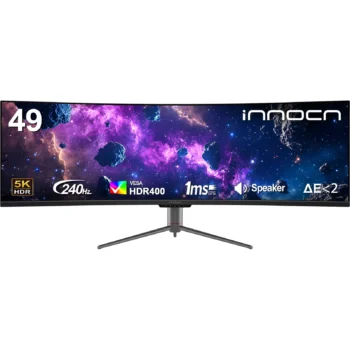
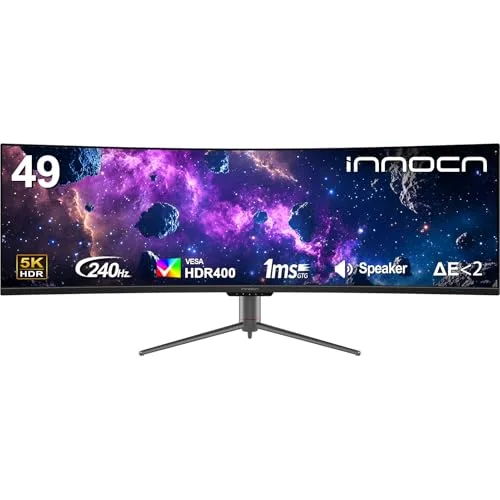
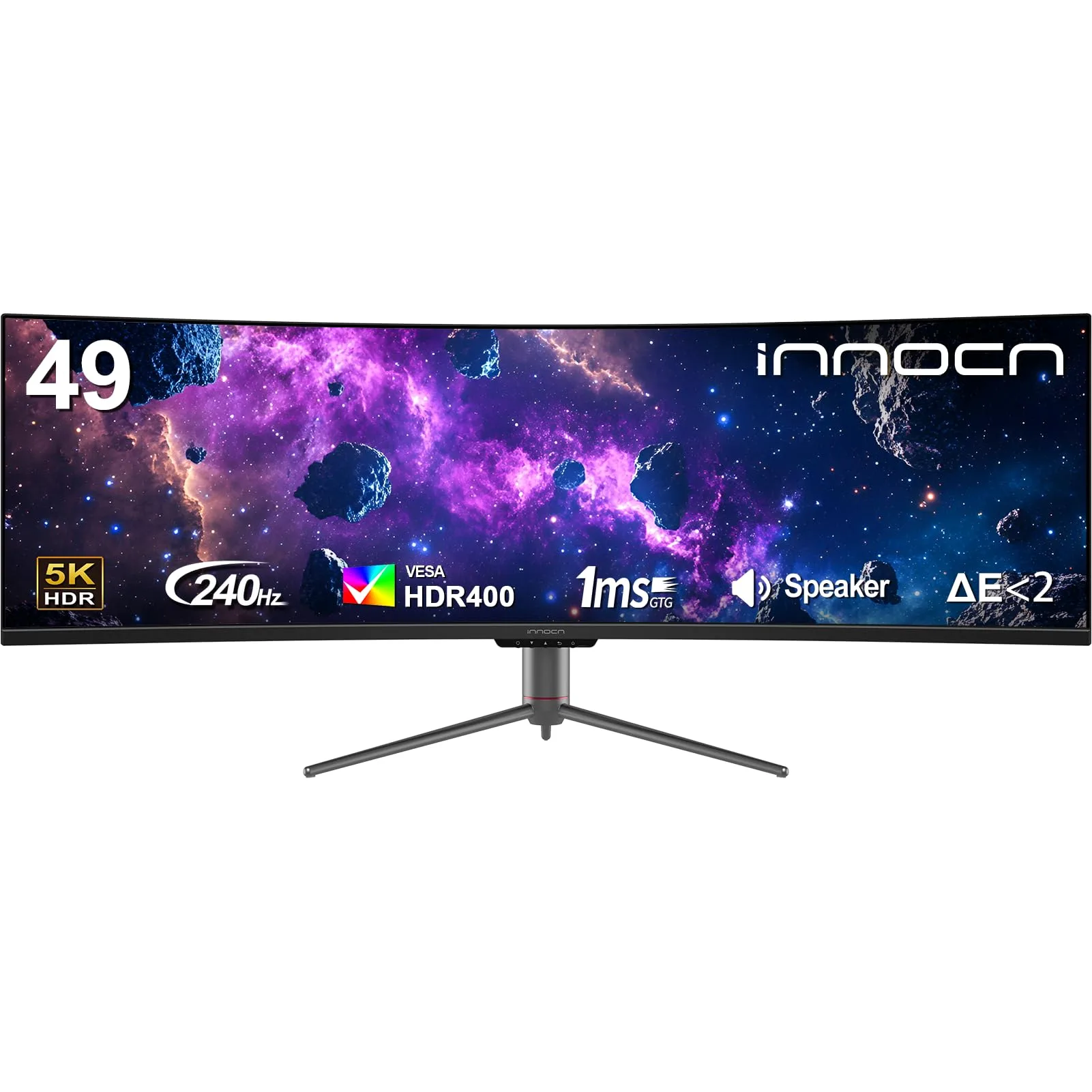
The INNOCN 49″ Ultrawide Curved Gaming Monitor (49C1S) is engineered to be the definitive solution. This monitor embodies the fusion of a vast professional workspace and an elite gaming arena. It’s an ambitious, feature-packed DQHD (5120×1440) display that breaks the mold by integrating a blistering 240Hz refresh rate with a 65W USB-C KVM switch and an RJ45 Ethernet port—features typically found across three separate high-end peripherals.
This pragmatic, in-depth review will provide a clear, user-focused analysis of the INNOCN 49C1S. We will honestly evaluate the performance of its 49-inch VA panel and 240Hz speed, and detail how its comprehensive connectivity suite transforms your desk into a minimalist powerhouse. For the professional gamer or the efficiency-obsessed multitasker, this is the final word on whether the 49C1S is the single, transformative investment your desktop needs.
🔬 Core Features Explained: Performance Meets Productivity
49-inch DQHD and 1800R Curve: Seamless Immersion
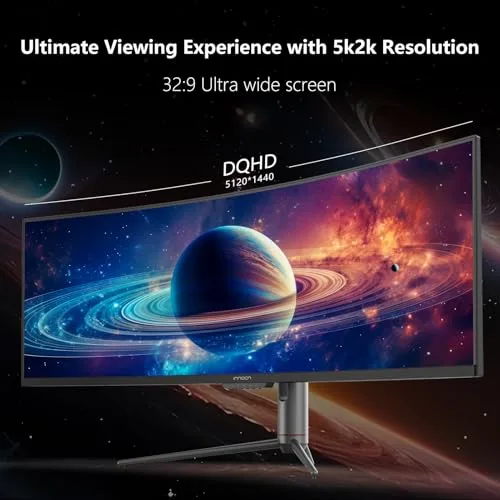
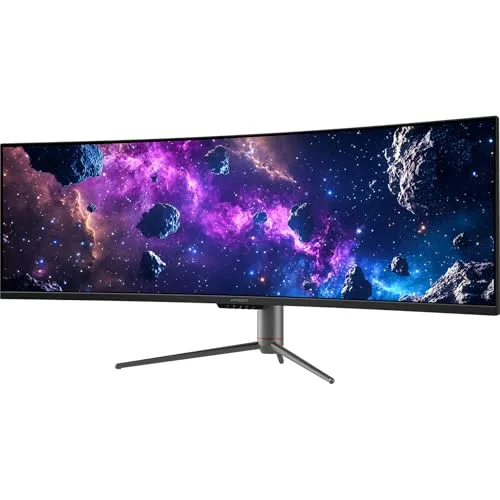
The 49-inch Dual QHD (DQHD) resolution (5120 x 1440) is the monitor’s biggest strength. It is the pixel-perfect replacement for two 27-inch 1440p monitors, eliminating the visual break of the central bezel. The VA panel provides a high 3000:1 contrast ratio, delivering deep blacks that enhance cinematic content and game visuals. The 1800R curvature is a balanced, ergonomic curve that ensures the expansive edges are brought into a comfortable focal range, significantly reducing eye strain associated with massive, flat screens.
- Real-Life Benefit: Massive, seamless workspace for multiple windows. Superior depth in movies and games due to high contrast. Eliminates physical bezels and eye strain.
- Realistic Limitation: Requires a very deep desk (around 30 inches) to maintain a comfortable viewing distance.
Elite 240Hz Refresh Rate: Competitive Speed
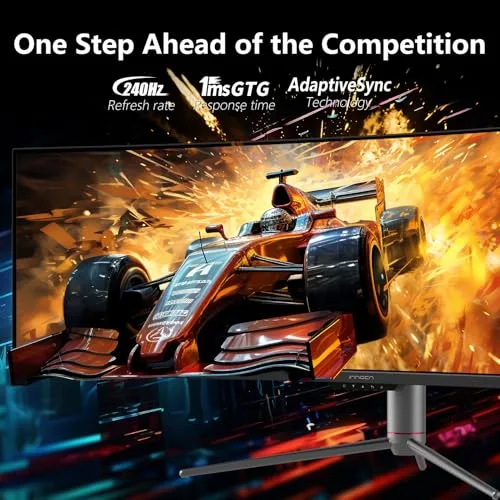
For a monitor of this size and resolution, the 240Hz refresh rate is a premium, competitive feature. This ultra-high speed provides exceptional motion clarity, allowing for precise tracking in fast-paced games. This speed minimizes visual latency, making the monitor feel incredibly responsive. The 240Hz refresh rate ensures the display is future-proof, catering to the highest levels of competitive and fluid gameplay.
The Docking Station: 65W USB-C, KVM, and RJ45
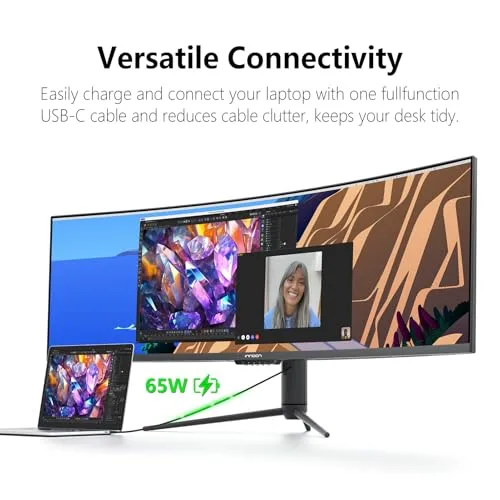
The INNOCN 49C1S is more than just a screen; it’s an integrated docking station. The USB Type-C port with 65W Power Delivery means you can connect and charge a compatible work laptop with a single cable, handling video, data, and power simultaneously. Furthermore, the built-in KVM switch and USB Hub allow you to connect a keyboard and mouse to the monitor and instantly switch control between two connected PCs (e.g., desktop via DisplayPort/USB-B and laptop via USB-C). The rare RJ45 Ethernet port provides a crucial, stable wired internet connection for your connected laptop.

💻 Hands-On Use: Multitasking and Real-World Limitations
Workflow Transformation with PIP/PBP
The monitor’s size and technology fundamentally change how you multitask. The Picture-in-Picture (PIP) and Picture-by-Picture (PBP) modes are game-changers, allowing you to display content from up to two separate PCs simultaneously on the massive screen. Imagine gaming on your desktop (via DisplayPort) on one half while monitoring work emails or streams on your laptop (via USB-C) on the other. This capability, combined with the integrated KVM, eliminates the need for a separate physical dock and peripheral switcher.
Gaming Realities: VA Panel and GPU Demands
While the 240Hz speed is elite, the VA panel technology does present a common limitation: VA panel smearing. Highly sensitive users may notice minor black smearing or ghosting in extremely fast transitions from black to gray pixels, particularly noticeable in very dark game scenes. This is a realistic trade-off for the superior contrast (3000:1) that the VA panel offers. Furthermore, driving 5120×1440 pixels at 240 frames per second requires a flagship-tier graphics card (NVIDIA RTX 4080/4090 or equivalent).
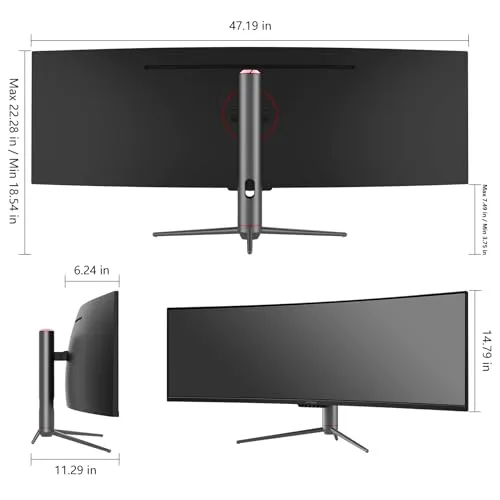
The monitor includes a fully ergonomic stand (height, tilt, and swivel adjustable), which is essential for managing the sheer size of the display and ensuring a comfortable viewing position over long work or gaming sessions.
Color and HDR Experience
With 99% sRGB coverage, the colors are accurate and vibrant for general use, media consumption, and web browsing. The VESA DisplayHDR 400 certification guarantees sufficient peak brightness (400 nits) to make highlights pop and offers a noticeable upgrade over SDR content, though it lacks the localized dimming necessary for a truly premium, transformative HDR experience.
⚖️ Pros and Cons Table: A Realistic Balance Sheet
| 👍 Pros (Unmatched Strengths) | 👎 Cons (Realistic Trade-offs) |
|---|---|
| Elite Speed: 240Hz refresh rate on a 49-inch DQHD panel is class-leading performance. | VA Panel Smearing: Response time in dark scenes may show minor ghosting for highly competitive play. |
| Ultimate Connectivity Hub: Includes 65W USB-C, KVM switch, RJ45 Ethernet, and full USB Hub. | Basic HDR: HDR400 offers an entry-level dynamic range, not the premium HDR visual impact. |
| True Dual-Monitor Replacement: 5120×1440 resolution is seamless and bezel-free. | Massive Footprint: Requires a very large, deep, and sturdy desk. |
| High Contrast: 3000:1 VA panel contrast delivers much deeper blacks than most IPS competitors. | Demanding on GPU: Requires a top-tier graphics card to fully utilize the 240Hz refresh rate in modern games. |
📊 Infographic Comparison: INNOCN 49C1S vs. The Super Ultrawide Field
| Feature | INNOCN 49C1S (Main Product) | Alternative Product (Premium Flagship) | Budget Option (Lower Refresh) |
|---|---|---|---|
| 🔧 Key Features | 240Hz, KVM, 65W USB-C, RJ45, Full Ergo Stand | 240Hz+, Mini-LED or OLED, HDR1000+, Auto KVM | 120Hz – 144Hz, Basic USB Hub, Tilt-Only Stand |
| 👍 Pros | Best connectivity suite, Elite speed, High contrast VA panel, Value pricing. | Best HDR contrast (OLED/Mini-LED), Fastest response time, Maximum brightness. | Lowest price for 49-inch size, High-contrast VA panel, Lower GPU demand. |
| 👎 Cons | VA Smearing risk, HDR400 is basic, Large desk footprint. | Highest price point, Heavy, Potentially higher risk of burn-in (OLED models). | Slower speed (120/144Hz), Poor ergonomics (Tilt only), No advanced docking features. |
| 📐 Resolution / Size | 5120×1440 / 49-inch | 5120×1440 / 49-inch | 5120×1440 / 49-inch |
| 🔋 Refresh Rate | 240 Hz | 240 Hz – 540 Hz | 120 Hz – 144 Hz |
| 🛡 Durability / Stand | High / Full Ergonomics (Height, Tilt, Swivel) | Highest / Full Ergonomics | Standard / Tilt Only |
| 💲 Price Range | Mid-to-High Enthusiast | Flagship / Luxury | Entry-Level Super Ultrawide |
| 🎯 Best-Use Scenario | Simulators, Coding, Multi-PC Workstations, Content Creation | Pure Competitive Gaming, HDR Movie Enthusiasts, Best Possible Visuals | Budget Immersion, Light Gaming, Standard Office Multitasking |
👤 Who Should Buy the INNOCN 49C1S?
The INNOCN 49C1S is a transformative tool best suited for users who demand both high-end gaming performance and complex, efficient productivity features. Ideal users include:
- The Professional Gamer/Streamer: You need the competitive edge of 240Hz for your primary PC but also require the massive DQHD canvas for streaming overlays, chat windows, and multi-app workflow management.
- The Multi-System Developer/Coder: You regularly switch between a desktop (for power) and a laptop (for portability/work). The integrated KVM and single-cable 65W USB-C docking feature drastically simplifies your desk, allowing instant switching between operating systems.
- The Budget-Aware Enthusiast: You want a 240Hz super ultrawide experience but recognize the diminishing returns of the most expensive flagship models. The 49C1S delivers 90% of the flagship features for a significantly lower price.
📝 Comparison Summary: The Feature-Set Winner
The INNOCN 49C1S stands out by offering a unique and powerful blend of features that neither competitor can match. It handily outperforms the Budget Option by offering a 240Hz refresh rate (double the speed) and integrating the crucial KVM, 65W USB-C, and RJ45 ports—features that save hundreds of dollars in external docks and switches.
Compared to the Premium Flagship, the INNOCN maintains the elite 240Hz speed and DQHD resolution while adding the practical utility of a full-featured KVM switch. While the Flagship may offer superior HDR contrast via OLED or Mini-LED technology, the INNOCN is the more pragmatic choice for the vast majority of users who spend their day working and only game in the evenings. The INNOCN 49C1S is simply the best value for feature density and speed in the super ultrawide category.
🌟 Final Verdict: The Undisputed Champion of Versatility and Value
The INNOCN 49″ Ultrawide Monitor (49C1S) is an unqualified, highly recommended tool for the modern power user. It succeeds spectacularly in its mission to be the one and only display your desktop needs.
Its brilliance lies not just in the massive 49-inch screen and the elite 240Hz speed, but in the intelligent integration of high-value productivity features. The combination of the KVM switch, 65W USB-C docking, and RJ45 Ethernet port transforms this display from a large monitor into a highly efficient, simplified, and powerful command center. If you are ready to revolutionize your multi-system workflow and enjoy a seamless, high-speed gaming experience on the largest possible canvas, the INNOCN 49C1S is the most intelligent and feature-rich investment you can make today.
Read more articles on this topic: LED & LCD TVs.