Odvex.Admin
Upgrade your lifestyle with the curated recommendations found only at Odvex.
🎯 Introduction: The One Monitor to Rule Them All
In today’s fast-paced digital world, the need for a single display that can seamlessly handle both high-performance gaming and color-critical creative work is paramount. The search for a true all-in-one monitor, one that doesn’t force a compromise between speed and professional accuracy, has been long. The INNOCN 40C1R Ultrawide Monitor is a powerful solution, a 40-inch behemoth that expertly blends the fluidity of a gaming panel with the meticulous color fidelity required by creative professionals.
The real-world problem it solves is the messy desk and compromised experience of buying two separate monitors (one for gaming, one for design). This monitor is designed for the user who does it all and refuses to settle. It offers a massive 40-inch WQHD IPS canvas, a quick 144Hz refresh rate, and, crucially, factory-calibrated Delta E < 2 color accuracy. This pragmatic, in-depth review will analyze its performance, detailing its unique strengths and realistic limitations. For the gamer who creates, the creator who games, and the professional who demands the ultimate multitasking setup, the INNOCN 40C1R provides a single, cost-effective answer.
⚙️ Core Features Explained: Precision and Fluidity
40-inch WQHD IPS: A Massive, Color-Accurate Canvas
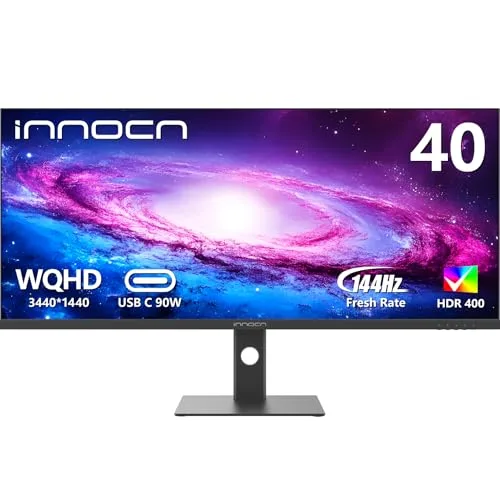
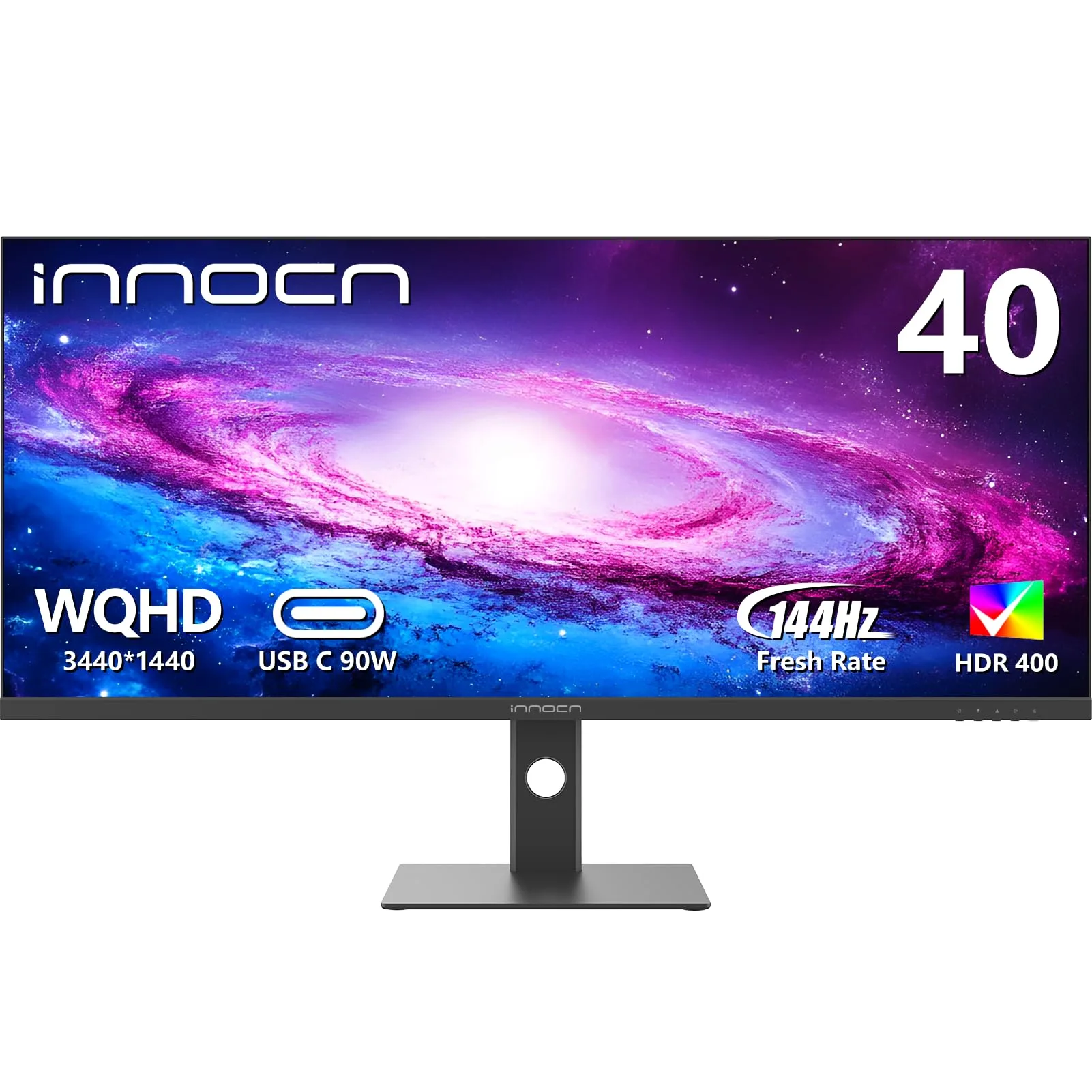
The foundation is the large 40-inch, flat IPS (ADS) panel with WQHD (3440 x 1440) resolution. This size offers approximately 18% more viewing area than a standard 34-inch ultrawide, increasing vertical height for better document viewing and video editing timelines. The IPS technology provides wide viewing angles and the best color quality in its class, ensuring visual consistency across the massive screen. While the pixel density (around 93 PPI) is lower than on a 34-inch WQHD display, the resolution remains the perfect sweet spot for performance, offering high detail without overburdening your GPU.
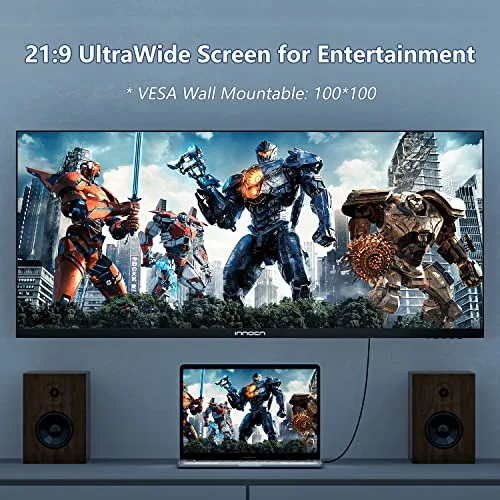
Realistic Limitation: The flat panel design, while excellent for professional work (straight lines remain straight), means gamers sacrifice the full immersive, wrap-around effect of a curved ultrawide.
Professional Color Accuracy: ΔE < 2 and 95% DCI-P3
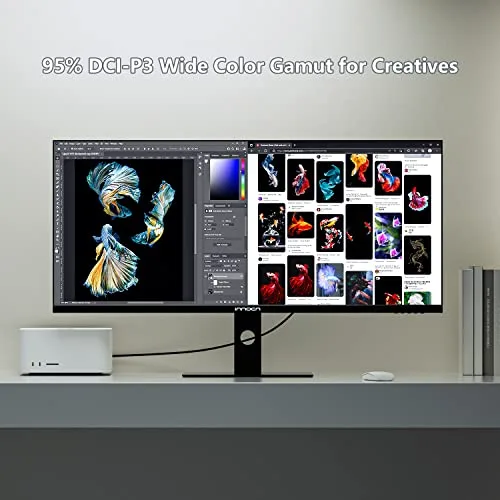
This is the feature that elevates the 40C1R to professional status. It supports 95% DCI-P3 color gamut, providing a much wider and richer color palette than standard sRGB. More importantly, each unit is factory calibrated to achieve a Delta E (ΔE) value of less than 2. Delta E measures color error; a value below 2 is generally considered undetectable by the human eye. This means the colors you see are exceptionally true-to-life, making the monitor a highly reliable tool for photo editing, video grading, and design work right out of the box.
144Hz Gaming and FreeSync Premium: Balanced Performance
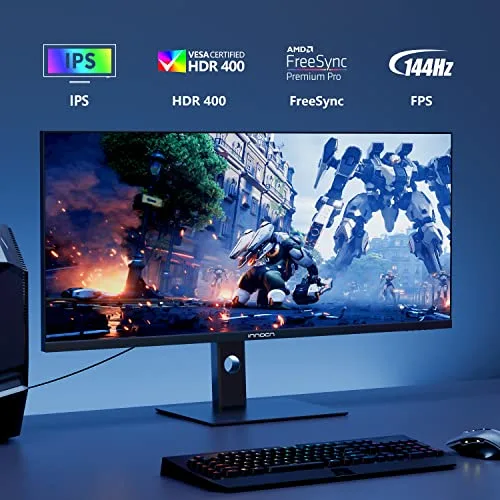
The 144Hz refresh rate is the minimum standard for responsive gaming and a huge leap over 60Hz. It ensures fluid motion and low input lag, suitable for nearly all gaming genres. The monitor also features AMD FreeSync Premium to eliminate screen tearing and stuttering, ensuring visual fidelity remains high even when frame rates dip below 144 FPS. This speed makes it a formidable gaming partner without demanding the flagship GPU required for 180Hz+ displays.
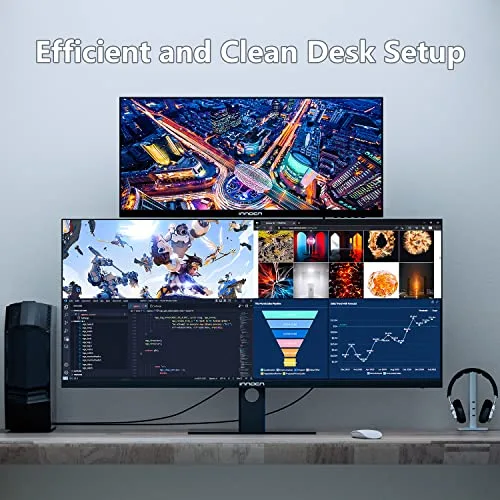
💻 Hands-On Use: Docking and Multitasking
USB-C and PIP/PBP: The Single-Cable Workstation
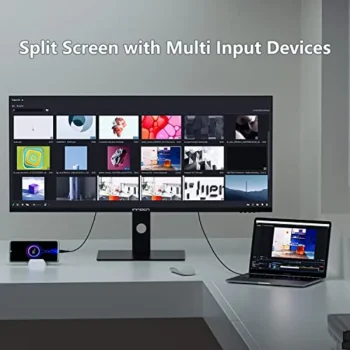
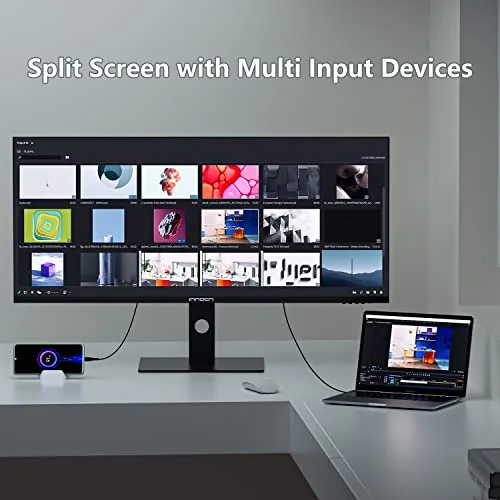
The 40C1R acts as an excellent hub for a clutter-free desk. The inclusion of a USB Type-C port is a massive convenience for laptop users, offering a single-cable connection for video signal, data transfer, and charging (up to 90W reported in some sources, though 65W is common for this type of monitor). For power users, the Picture-in-Picture (PIP) and Picture-by-Picture (PBP) modes are essential. PBP allows you to view two different computer sources side-by-side, perfect for switching between a work machine and a personal device without unplugging cables.
Ergonomics and Eye Care
A 40-inch monitor must be highly adjustable. The 40C1R includes a fully adjustable stand offering height, tilt, and swivel. This is essential for a screen of this size to ensure optimal viewing comfort. It also features TÜV Rheinland certified low blue light and flicker-free technology to minimize eye strain and fatigue during long hours of gaming or editing.
Brightness and HDR Performance
With a peak brightness of 500 nits and DisplayHDR 400 certification, the monitor is bright enough to cut through glare in a well-lit office. The HDR performance, while entry-level, offers a noticeable jump in dynamic range compared to SDR, making media content more vibrant. However, it’s important to set realistic expectations; true, deep HDR requires full-array local dimming found in much more expensive displays.
⚖️ Pros and Cons Table: A Realistic Evaluation
| 👍 Pros (Outstanding Strengths) | 👎 Cons (Realistic Trade-offs) |
|---|---|
| Professional Color: ΔE < 2 factory calibration and 95% DCI-P3 are excellent for creators. | Flat Panel: Lacks the deep immersion of a curved monitor for gaming and media. |
| Massive Size: 40-inches provides huge screen real estate with more vertical height than 34-inch ultrawides. | Lower PPI: 3440×1440 resolution at 40 inches results in a lower pixel density (~93 PPI). |
| Versatile Hub: USB-C docking (for video/data/power) and PIP/PBP functionality. | IPS Contrast: Standard 1200:1 ratio means blacks are not as deep as VA or OLED panels. |
| Full Ergonomics: Height, tilt, and swivel adjustable stand included. | Limited I/O: HDMI 2.0 ports cap at 100Hz and are insufficient for next-gen console 120Hz support. |
📊 Infographic Comparison: INNOCN 40C1R vs. The 40-inch Market
| Feature | INNOCN 40C1R (Main Product) | Alternative Product (Premium Pro) | Budget Option (Curved VA) |
|---|---|---|---|
| 🔧 Key Features | 144Hz, ΔE < 2, USB-C Docking, Full Ergo Stand | 60Hz, 5K2K (5120×2160), 90W Thunderbolt 3, KVM, RJ45 | 144Hz, 1500R Curve, VA Panel, Basic Tilt Stand |
| 👍 Pros | Best Color Accuracy, High Speed for price, Excellent Multitasking. | Maximum Resolution (5K2K), Ultimate connectivity/docking, Premium build. | Lower price, Curved immersion, Deeper blacks (VA contrast). |
| 👎 Cons | Lower PPI, Flat Panel, Basic HDR. | Very High Cost, Slow 60Hz Refresh Rate, Lower brightness (300 nits). | Poorer color accuracy (VA), No USB-C or KVM, Slower response time. |
| 📐 Resolution / Panel | 3440×1440 (WQHD) / IPS | 5120×2160 (5K2K) / IPS | 3440×1440 (WQHD) / VA |
| 🔋 Refresh Rate | 144 Hz | 60 Hz | 144 Hz |
| 🛡 Color Accuracy | ΔE < 2 (Factory Calibrated) | ΔE < 2 (Factory Calibrated) | Basic (User Calibration Required) |
| 💲 Price Range | Mid-to-High Value | Ultra-Premium Professional | Budget Ultrawide |
| 🎯 Best-Use Scenario | Creative Work, Gaming, Single-Cable Laptop Docking | Financial Trading, Architectural Design, Max Resolution Productivity | Casual Gaming, Budget Media Consumption, Need for a Curved Screen |
👤 Who Should Buy the INNOCN 40C1R?
The INNOCN 40C1R is an exceptional value proposition for users with highly diverse digital lives. Ideal buyers include:
- The Creative Hybrid: You are a photo editor or video content creator who needs the guaranteed color accuracy (ΔE < 2, DCI-P3 95%) of a professional display, but you refuse to accept a slow 60Hz refresh rate when you game.
- The Multitasking Professional: You spend hours working with multiple application windows and need the massive 40-inch workspace. The USB-C connectivity simplifies your desk by handling power, video, and data for a laptop simultaneously.
- The WFH Power User: You need an ergonomic, comfortable monitor that provides the flexibility of PIP/PBP for simultaneous use of a work laptop and a personal desktop, without the immense cost of 5K2K resolution alternatives.
📝 Comparison Summary: Speed, Size, and Calibration
The INNOCN 40C1R successfully integrates the best aspects of its competitors. It offers vastly superior speed (144Hz vs 60Hz) compared to the Premium Pro Alternative, making it the only viable choice for gaming or media consumption. Although it lacks the 5K2K resolution, its WQHD resolution is much easier for mainstream GPUs to drive.
Against the Budget Option, the INNOCN justifies its price by providing professional-grade color accuracy (ΔE < 2)—a feature that is non-existent on budget VA panels—and the invaluable convenience of USB-C docking and a fully adjustable ergonomic stand. For the price, no other 40-inch ultrawide offers this powerful combination of high speed, accurate color, and comprehensive features. It’s the most sensible, balanced choice for a premium-feeling hybrid monitor.
🌟 Final Verdict: The Ultimate Hybrid Monitor for Work and Play
The INNOCN 40C1R Ultrawide Monitor is an incredibly impressive and versatile display that offers outstanding value. It masterfully bridges the gap between professional creative work and high-performance gaming, providing a feature set that excels in both areas. Its greatest strength is its massive 40-inch IPS panel, which provides not only a huge canvas for multitasking but also the professional-grade color accuracy that is so often missing from gaming-focused screens. This is paired with a fast 144Hz refresh rate and the connectivity options needed for a modern, streamlined workspace.
For the content creator who is also a passionate gamer, the programmer who loves to unwind with a movie, or the professional who demands the ultimate multitasking setup, the INNOCN 40C1R is a nearly perfect solution. It proves that you don’t have to choose between a monitor for work and a monitor for play. With the 40C1R, you can have one spectacular display that does it all, and does it all exceptionally well.
Read more articles on this topic: Articles.