Odvex.Admin
Find exactly what you need with the comprehensive reviews and guides at Odvex.
Introduction: The “Turnkey” Solution for Business Basics
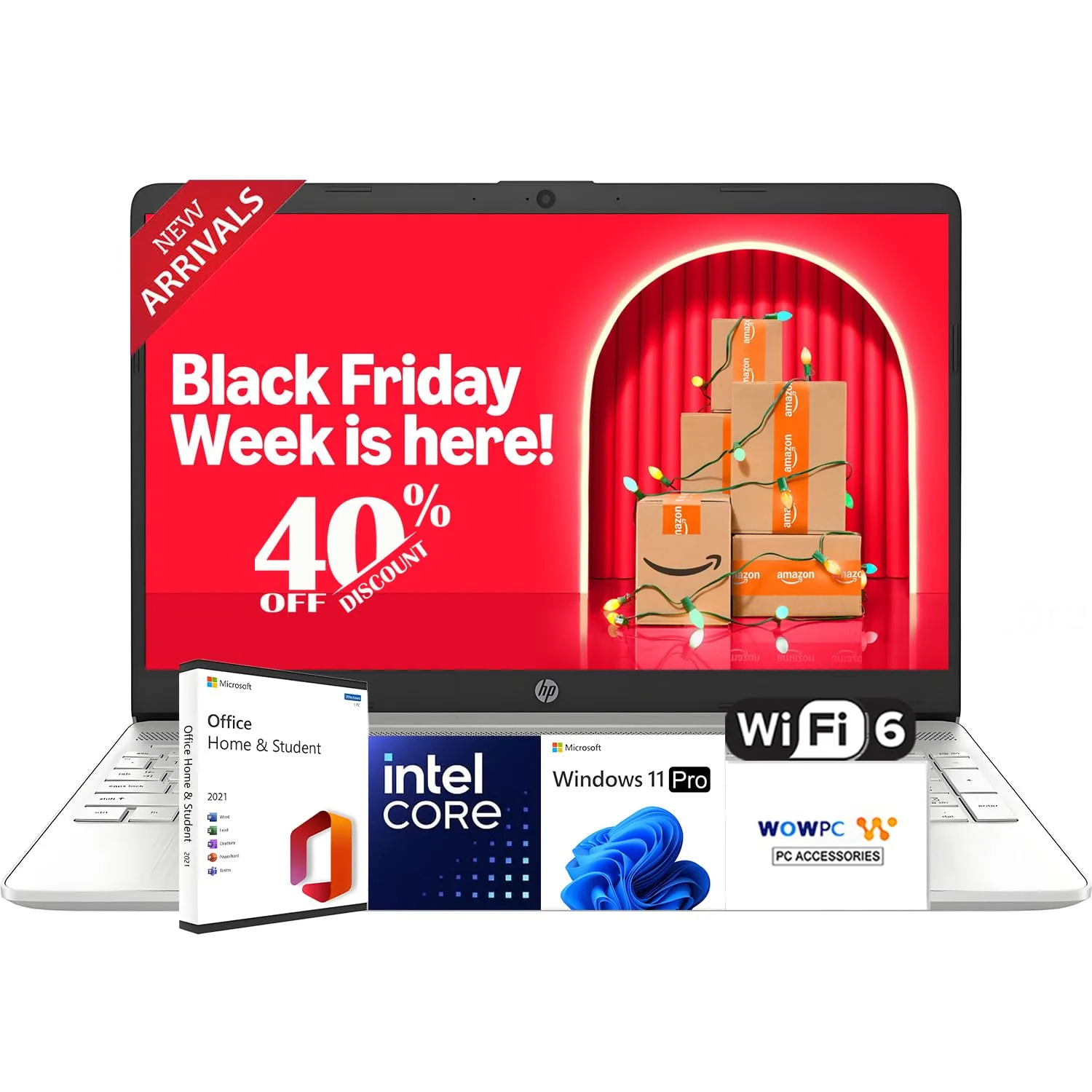
The laptop market is often divided into two extremes: expensive ultrabooks that cost as much as a used car, and bargain-bin plastics that struggle to open a web browser. The HP “2026 New Generation” 15.6” Business Laptop attempts to carve out a middle ground, not by offering the fastest processor on the market, but by offering a “complete” package. With 16GB of RAM, Windows 11 Pro, and a full license for Microsoft Office pre-installed, this machine positions itself as a “buy and start working” solution for students and administrative professionals.
However, the marketing terminology—specifically the “2026 New Generation” branding—requires a critical eye. Under the hood, this machine is powered by the Intel Celeron N4120, a processor known for efficiency rather than raw power. Is the combination of a budget CPU with high-tier RAM and premium software enough to justify the price point? In this review, we analyze whether this HP laptop is a smart investment for productivity or if the older silicon holds it back.
Features and Technical Analysis
When dissecting the specifications of this HP laptop, it becomes clear that the manufacturer has prioritized multitasking stability and software value over raw processing speed. This is a specific configuration designed for users who keep 30 tabs open in Chrome, rather than users rendering 4K video.
The Processor Paradox: Intel Celeron N4120
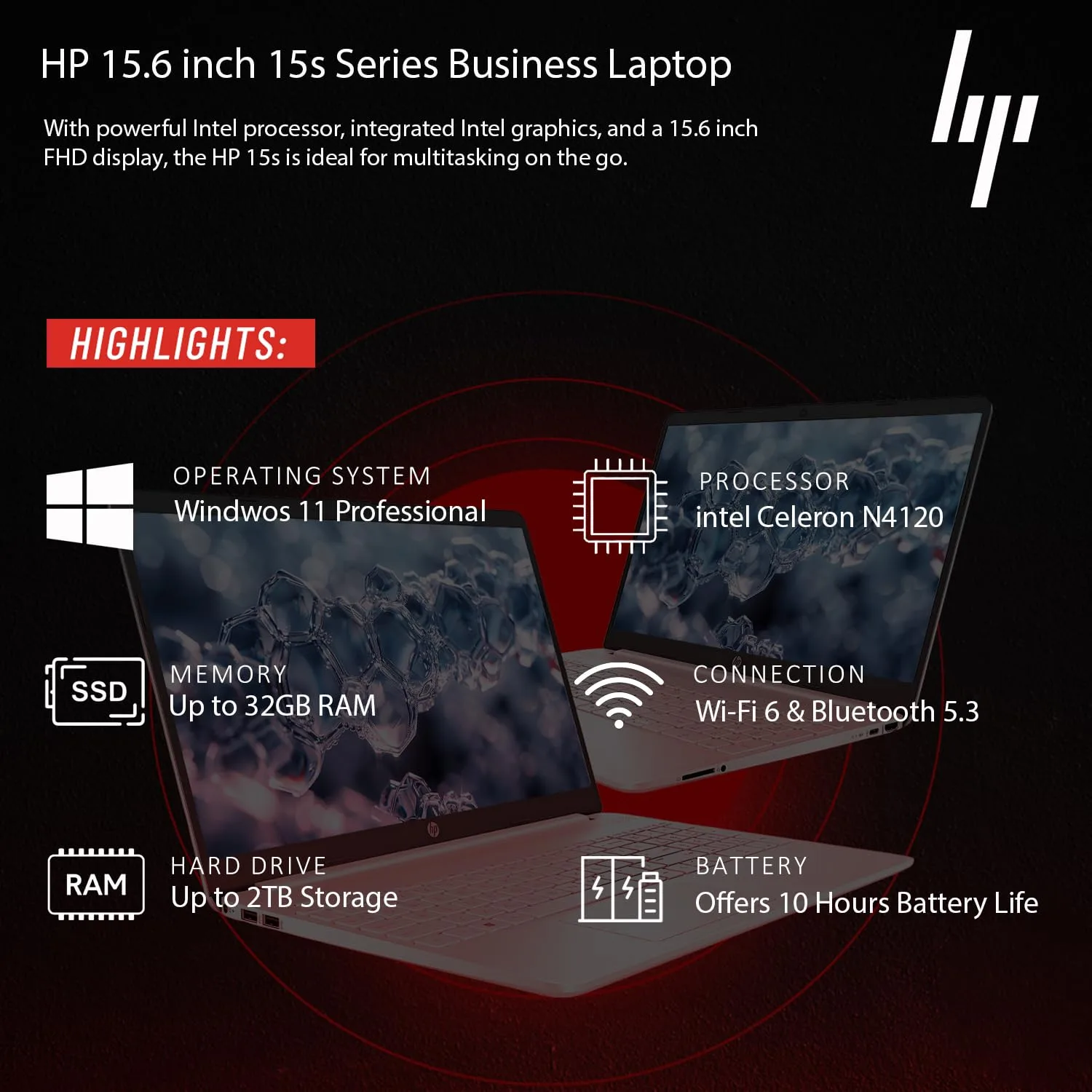
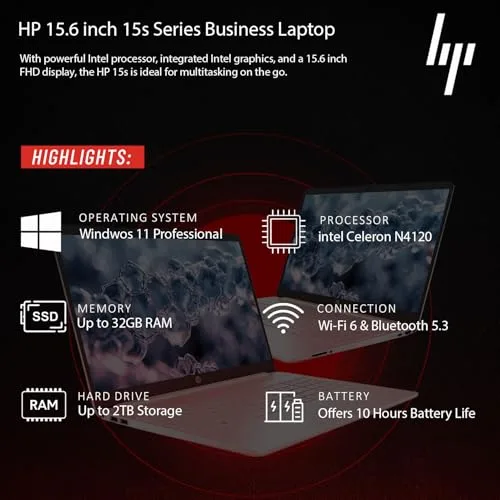
The heart of this machine is the Intel Celeron N4120. It is a quad-core processor with a base frequency of 1.1GHz and a burst up to 2.6GHz. Critical analysis is necessary here: this is an older architecture (Gemini Lake Refresh). While HP markets it as “Powerful,” it is more accurately described as “efficient.”
For word processing, email, and web browsing, it is perfectly adequate. It runs cool and consumes very little power, which contributes to battery life and quiet operation. However, do not expect to play modern games or perform heavy video editing on this chip. The integrated Intel UHD Graphics 600 serves strictly for display output and media playback.
16GB RAM: The Saving Grace
The standout feature—and the reason this laptop remains snappy despite the older CPU—is the 16GB of RAM. Most laptops with Celeron processors are crippled by 4GB or 8GB of RAM. By including 16GB, HP ensures that the processor isn’t bottlenecked by memory swapping. This means you can have Microsoft Word, Excel, Spotify, and several browser tabs open simultaneously without the system freezing.
Software Suite: The Real Value Proposition
For many buyers, the hardware is secondary to the software ecosystem. This laptop comes with:
- Windows 11 Pro: Unlike the “Home” edition, Pro offers BitLocker encryption, Remote Desktop capabilities, and better update management—crucial for business environments.
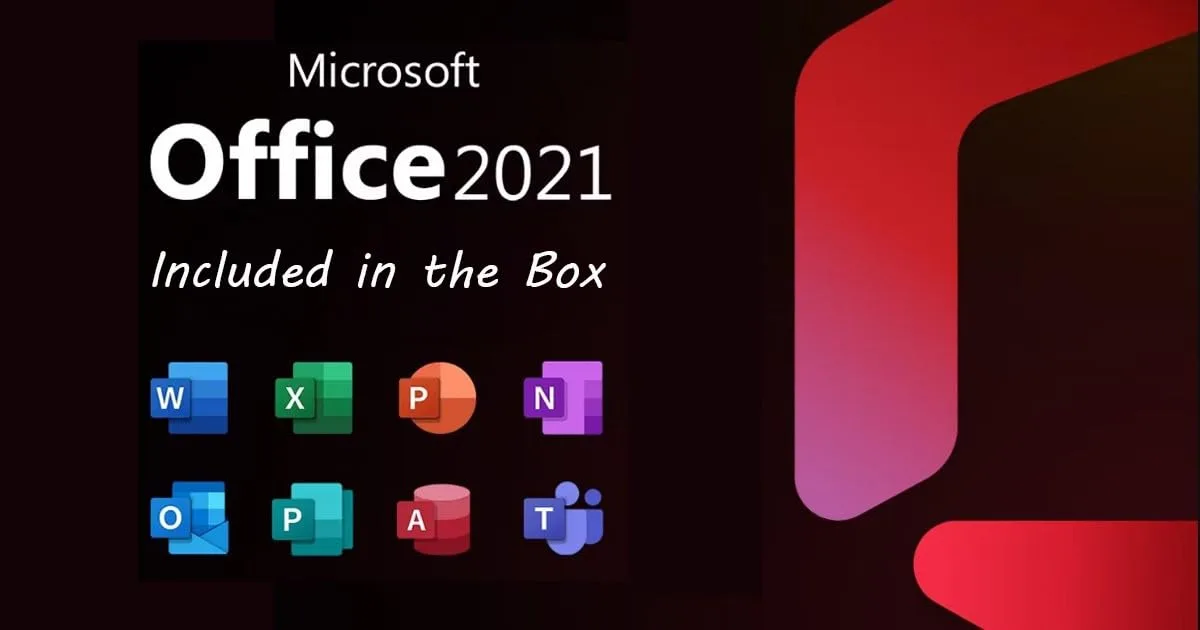
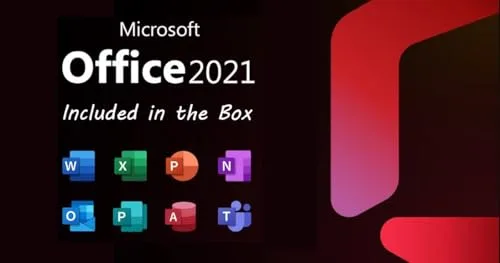
- Microsoft Office Included: You get Word, Excel, PowerPoint, and Outlook out of the box. This is a perpetual value add that saves the user from an immediate annual subscription fee.
Display and Connectivity
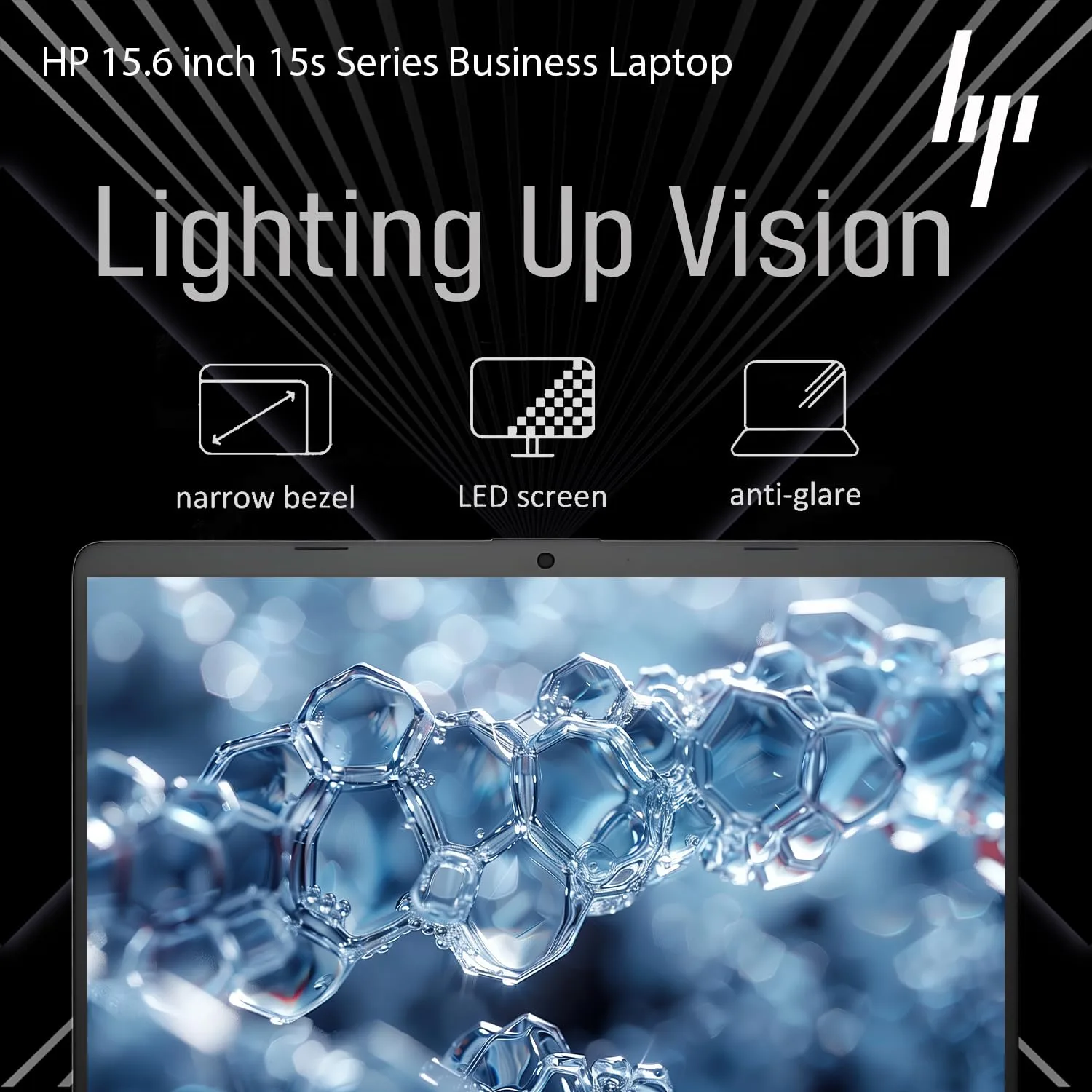
The 15.6-inch FHD (1920 x 1080) IPS display is a significant upgrade over the 720p TN panels often found in this category. IPS technology ensures that colors don’t invert when you look at the screen from an angle. On the connectivity front, the inclusion of Wi-Fi 6 is excellent for future-proofing your internet speeds, ensuring stable video calls even in crowded network environments.
Hands-On Experience: The Daily Driver Test
Specs on a sheet are one thing, but how does this machine perform in a 9-to-5 scenario? We evaluated the laptop based on three core “personas”: the Administrative Assistant, the Student, and the Home User.
The Typing and Navigating Experience
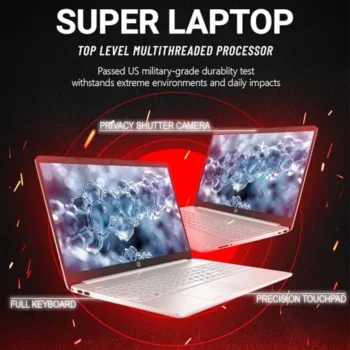
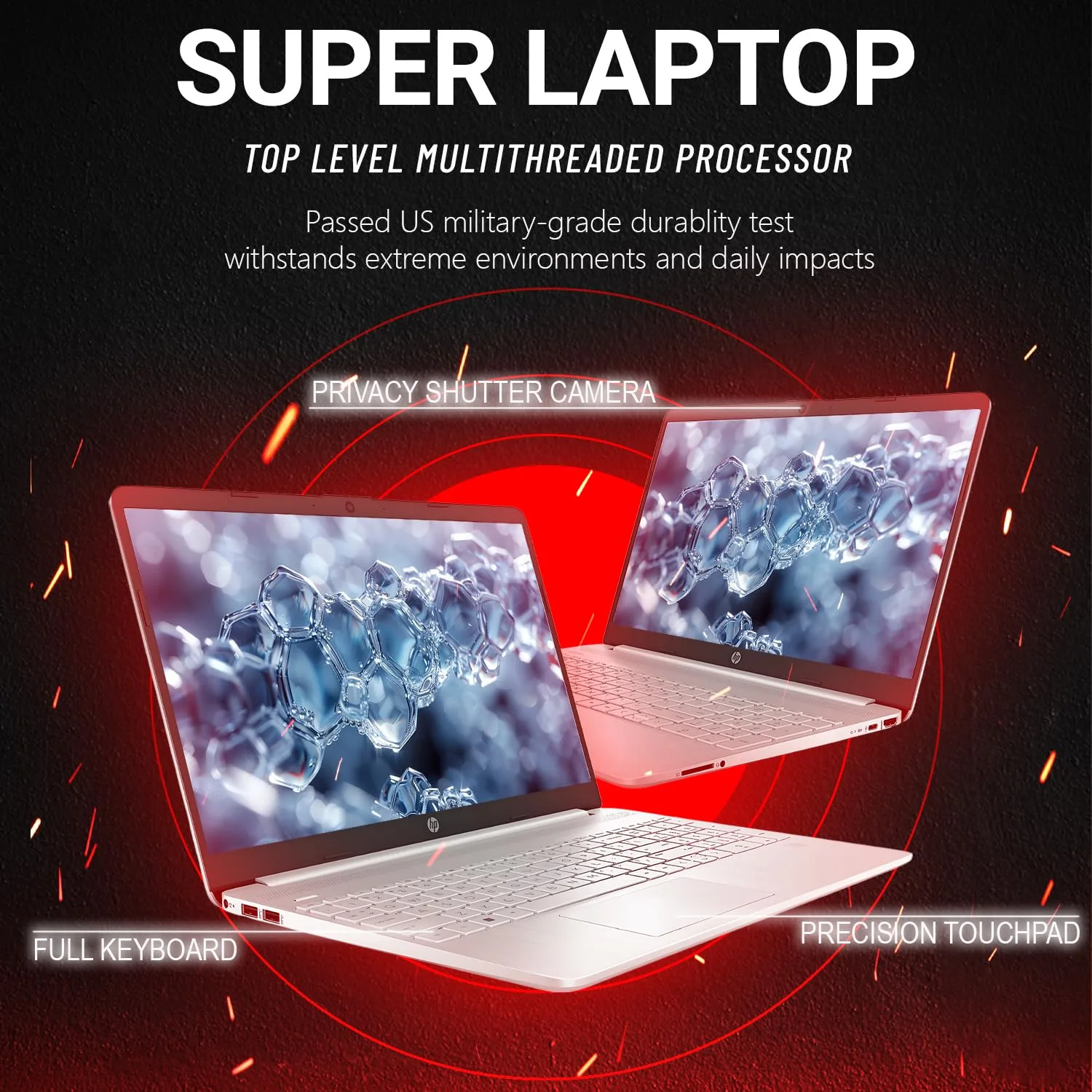
The chassis houses a full-sized keyboard, which importantly includes a numeric keypad. For anyone working in Excel or doing data entry, this is non-negotiable. The key travel is standard for HP—slightly shallow but tactile enough for touch typing. The trackpad is spacious and supports Windows Precision drivers, making gestures like “pinch to zoom” smooth.
Multitasking Performance
We stress-tested the 16GB RAM limit. With a YouTube video playing in 1080p, a 5000-row Excel sheet open, and 10 Chrome tabs active, the system held up surprisingly well. The Celeron CPU hit 100% utilization during the initial loading of apps, but once the applications were open in the RAM, switching between them was fluid. This confirms our hypothesis: the RAM is doing the heavy lifting here.
Audio and Video Conferencing
The HD webcam features temporal noise reduction. In our tests, this noticeably reduced the “grain” in low-light environments, making it passable for Zoom or Teams meetings. The dual microphones capture voice clearly, though they lack the sophisticated isolation of higher-end premium laptops. The “Ultra Quiet Design” holds true; the fan rarely spins up to an audible level, making this ideal for library use or quiet offices.
Battery Life
Because the N4120 is a low-wattage chip, the battery doesn’t have to work hard. You can realistically expect 7 to 9 hours of mixed productivity use. The fast-charging feature (50% in 45 minutes) is a modern convenience that ensures you aren’t tethered to a wall outlet for long.
Pros and Cons
| Pros | Cons |
|---|---|
| 16GB RAM: Excellent memory capacity prevents system slowdowns during multitasking. | Dated Processor: The Intel Celeron N4120 is an older generation chip not meant for heavy loads. |
| Software Value: Windows 11 Pro and Microsoft Office included saves hundreds of dollars. | Price to Performance: You are paying a premium for the RAM and software, not raw speed. |
| Display: 1080p IPS panel offers good viewing angles and clarity. | Plastic Build: The chassis is functional but feels distinctly budget-friendly. |
| Connectivity: Wi-Fi 6 and USB-C ensure modern compatibility. | 256GB Storage: A bit small for the price; users may need external drives eventually. |
Comparison: Alternatives in the Market
To determine if this HP is the right choice, we compare it against a standard competitor (better CPU) and a budget alternative.
| Feature | HP Business “2026” (This Review) | Acer Aspire 5 (Competitor) | ASUS Vivobook Go (Budget) |
|---|---|---|---|
| Processor 🧠 | Intel Celeron N4120 (Basic) | Intel Core i5 / Ryzen 5 (Fast) | Intel Celeron N4020 (Basic) |
| RAM 💾 | 16 GB (Excellent) | 8 GB (Standard) | 4 GB (Low) |
| Software 📦 | Win 11 Pro + MS Office | Win 11 Home | Win 11 Home S-Mode |
| Screen 📺 | 15.6″ FHD IPS | 15.6″ FHD IPS | 15.6″ HD TN |
| Best For 🎯 | Admin/Office Work | General Performance | Basic Web Browsing |
Comparison Analysis: If your priority is raw speed (e.g., video editing or light gaming), the Acer Aspire 5 is generally a better buy due to the Core i5 processor. However, the HP wins specifically for users who need Windows 11 Pro features and want the immediate utility of Microsoft Office without configuring a subscription. The HP is a specialized tool for business administration.
Final Verdict
The HP “2026 New Generation” 15.6” Business Laptop is a study in specific utility. If you judge it solely by its processor, the price tag seems high. The Celeron N4120 is aging silicon. However, this laptop isn’t selling a processor; it is selling a workflow.
By pairing a low-power, cool-running chip with a massive 16GB of RAM and a full suite of professional software (Windows 11 Pro + Office), HP has created a machine that is perfectly tailored for the administrative worker, the writer, or the student. It removes the friction of setting up a PC. You don’t need to buy an Office license, and you don’t need to upgrade the RAM.
Recommendation:
- Buy this if: You need a computer strictly for documents, spreadsheets, and web research, and you want everything pre-installed and ready to go out of the box.
- Pass if: You intend to do video editing, gaming, or heavy 3D work, or if you already have an Office subscription and would prefer a faster CPU (like an i3 or i5) for the same money.
Read more articles on this topic: Computers.